Understanding Your Phone 27
5.
Press to return to the main Home screen.
Adding and Deleting Home Screens
You can delete Home screens and then add Home screens later if
you want.
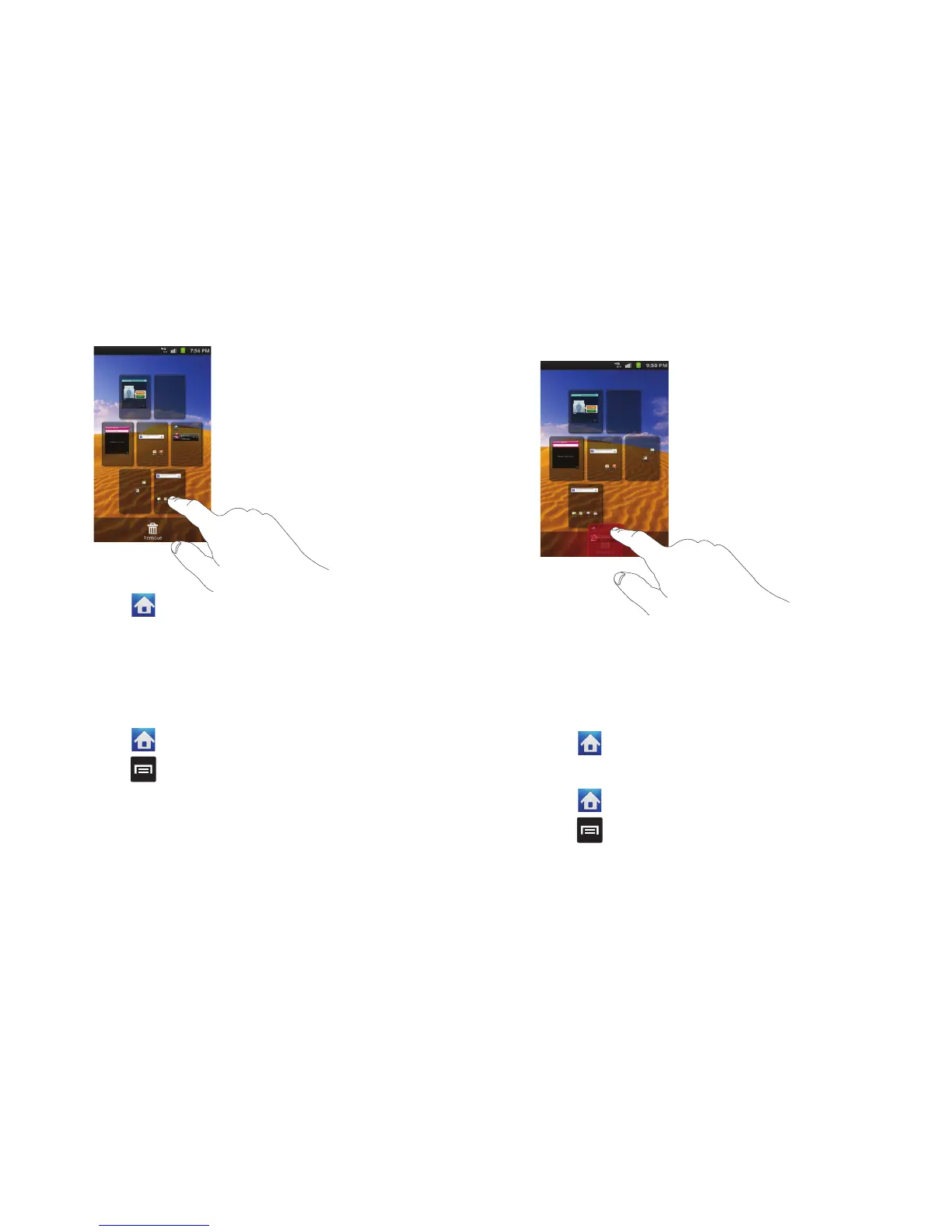
To delete a Home screen, follow these steps:
1. Press to activate the Home screen.
2. Press and tap
Edit
.
3. Touch and hold the Home screen you want to delete.
4. Drag it to the trash can located at the bottom of the screen.
5. If there are items on the Home screen that you want to
delete, the
This page has items, remove?
prompt is
displayed.
6. Tap
OK
to remove the page, otherwise, tap
Cancel
.
7. Press to return to the main Home screen.
To add a Home screen, follow these steps:
1. Press to activate the Home screen.
2. Press and tap
Edit
.












 To Next Page