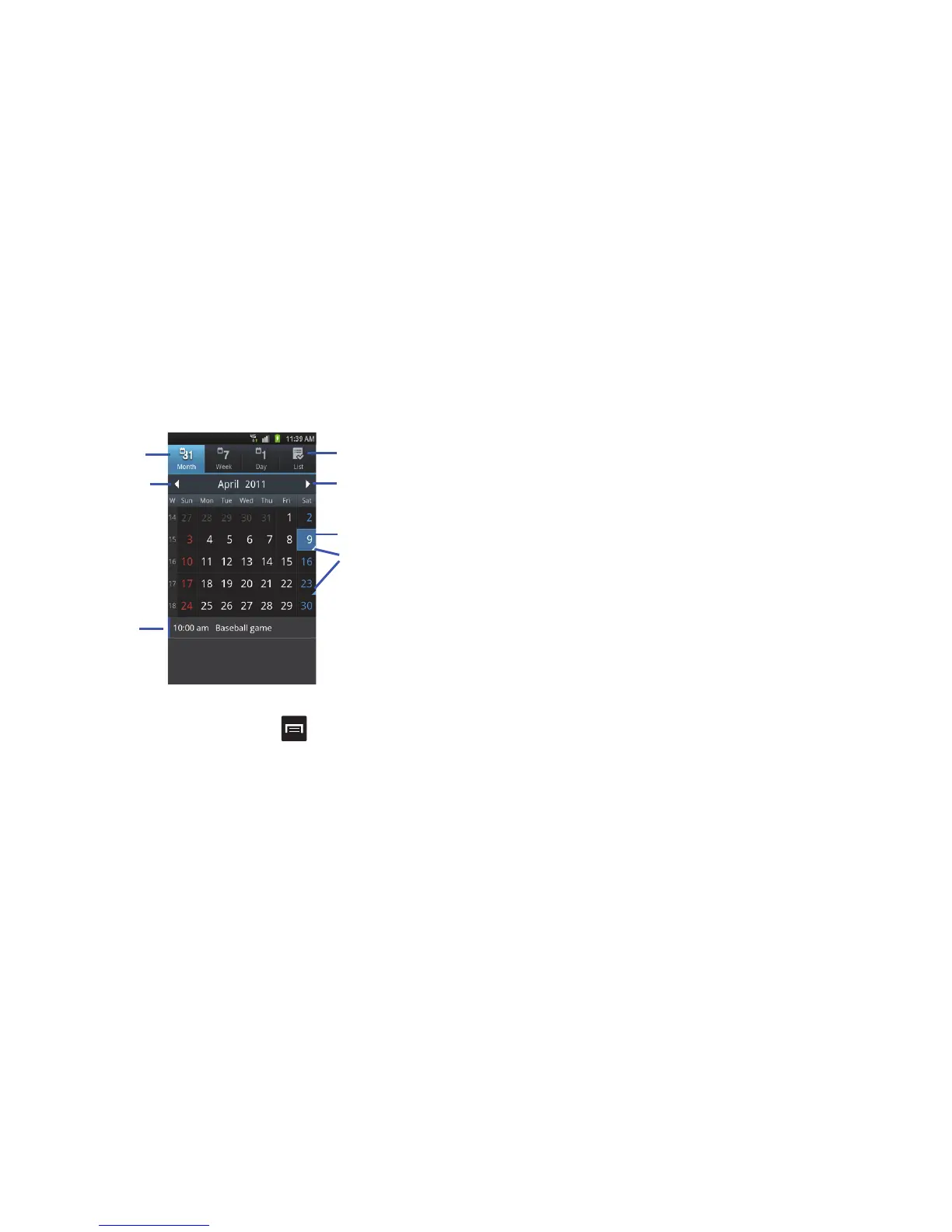
Applications 123
•Day
: the calendar displays the selected day with any events
highlighted.
•List
: the Event List displays all events that you have added for all
dates in the order that they appear.
Calendar Options
䊳
From any Calendar view, press to display the following
options:
• Search
: allows you to search through your calendar for a
particular word or words.
• Create
: allows you to create a new event for any day or time
period.
•Go to
: allows you to go to any date on your calendar.
• Today
: takes you to today’s date, if you are not already there.
• Delete
: displays the event list, where you can select events to
delete.
• Settings
: displays the following calendar settings:
–
Calendars
: displays all calendars they you have created.
–
Calendar sync
: allows you to sync your calendar with other accounts
such as email or social accounts.
–
Default view
: allows you to set the default view to Month, Week, Day,
or List.
–
Day views
: allows you to set the Day view to display with times listed
or as a list of events. Select Time grid or Event List.
–
First day of week
: allows you to set the first day of the week to
Sunday or Monday. This will affect how the Month view calendar is
displayed.
–
Hide declined events
: will not display events you have received from
others if you have declined them.
–
Lock time zone
: allows you to lock your time zone, so if you move to
another time zone, times and dates will not change.
–
Select time zone
: allows you to select the time zone that you want to
keep if you previously activated the Lock time zone option.
–
Set alerts & notifications
: allows you to set how your alerted for
events. Tap on Alert, Status bar notification, or Off.
–
Vibrate
: allows you to set the Event notification tone to vibrate Always,
Only in Silent mode or Never.












 To Next Page