22
Navigating Through the Application Menus
There are three Application Menus available. Follow these steps to
navigate through the Application Menus:
1. At the Home screen, tap . The last Application Menu
accessed is displayed.
2. Sweep the screen to access the other two menus.
3. Tap one of the application icons.
Navigating Using Sub-Menus
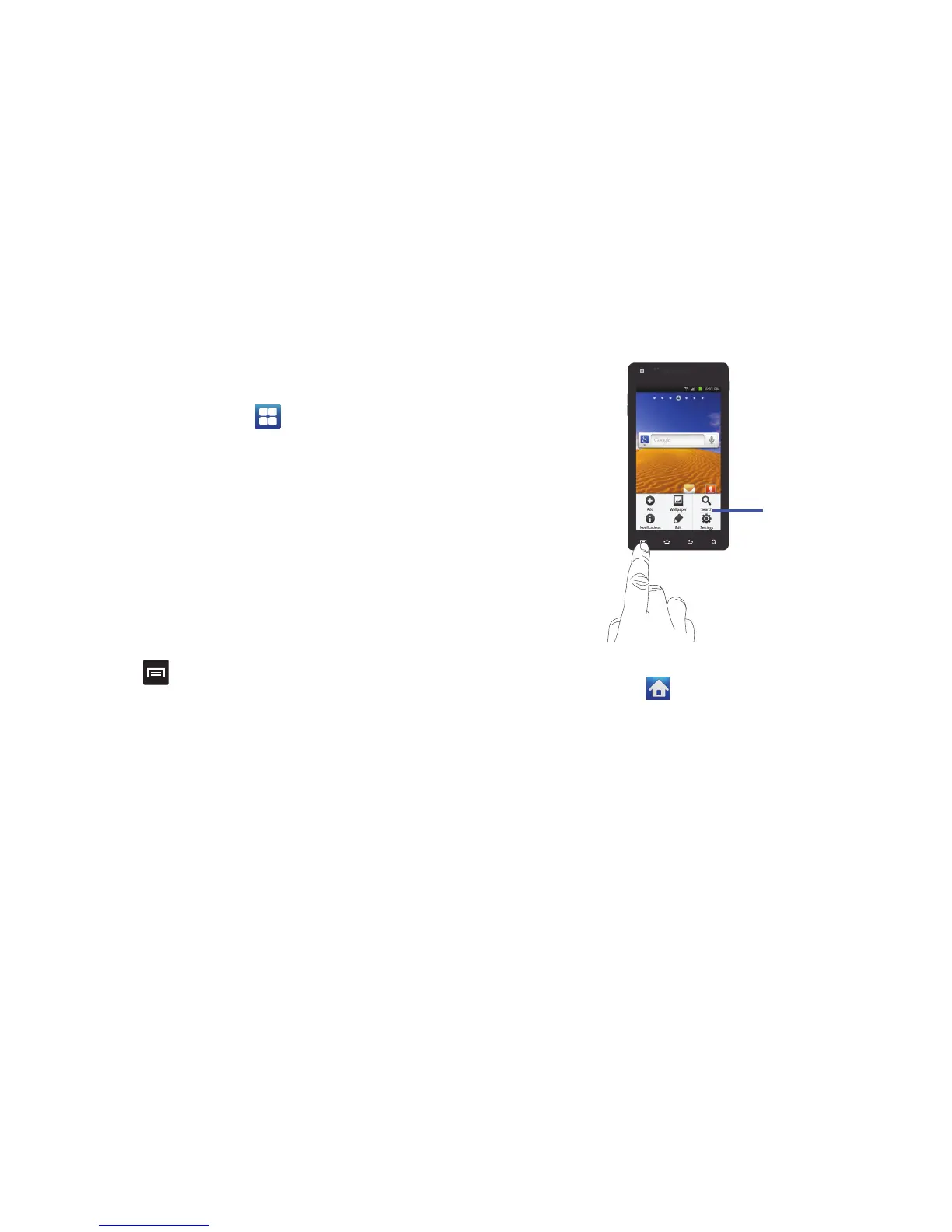
Sub-menus are available when you are at any Home screen or
have selected a feature or application such as Phone, Contacts,
Messaging, or Internet.
To access a sub-menu:
1. Press .
A sub-menu will appear at the bottom of the phone screen.
2. Tap an option.
Accessing Recently-Used Applications
1. Press and hold from any screen to open the
recently-used applications window.
2. Tap an icon to open the selected application.
Customizing Your Home Screen
You can customize your Home screen by doing the following:
•
Creating Shortcuts
•
Adding and Removing Widgets on the Home Screen












 To Next Page