42
Section 4: Entering Text
This section describes how to select the desired text input method
when entering characters into your phone. This section also
describes the predictive text entry system that reduces the amount
of key strokes associated with entering text.
Your phone comes equipped with an orientation detector that can
tell if the phone is being held in an upright (Portrait) or sideways
(Landscape) orientation. This is useful when entering text.
Your phone not only provides several on-screen keypad text entry
options, but also provides handwriting recognition to make the task
of text entry that much easier.
Text Input Methods
There are three text input methods available:
•
Android keyboard
: an on-screen QWERTY keypad that can be
used in both portrait and landscape orientation.
•
Samsung keyboard (default)
: Samsung’s on-screen QWERTY
keypad that can be used in both portrait and landscape
orientation.
•
Swype
: a new way to enter text on touch screens. Instead of
tapping each key, use your finger to trace over each letter of a
word.
To change the input method, see “Select input method” on
page 102.
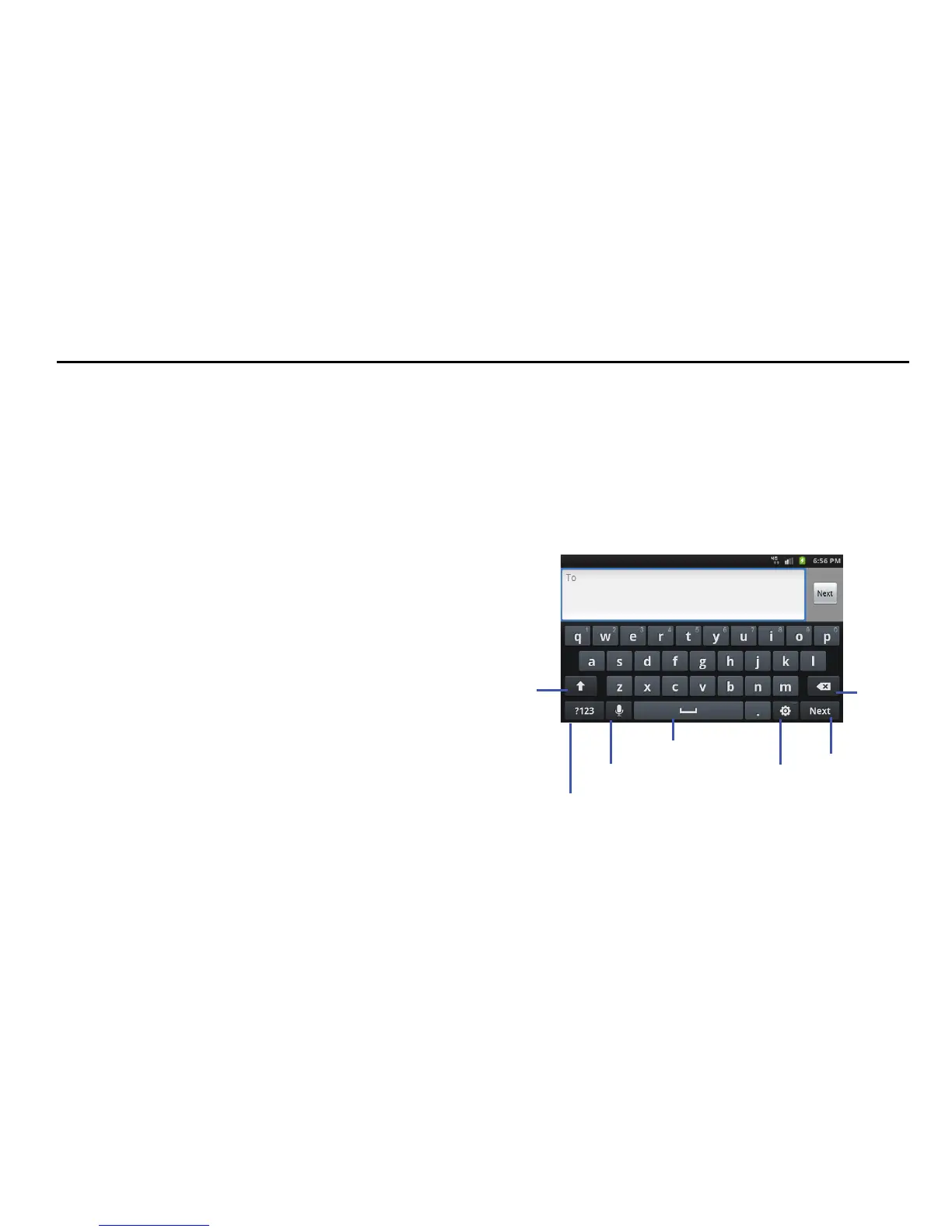
Entering Text Using the Samsung QWERTY
Keypad
From a screen where you can enter text, rotate your phone
counterclockwise to a Landscape orientation. The on-screen
QWERTY keypad will display.











 To Next Page