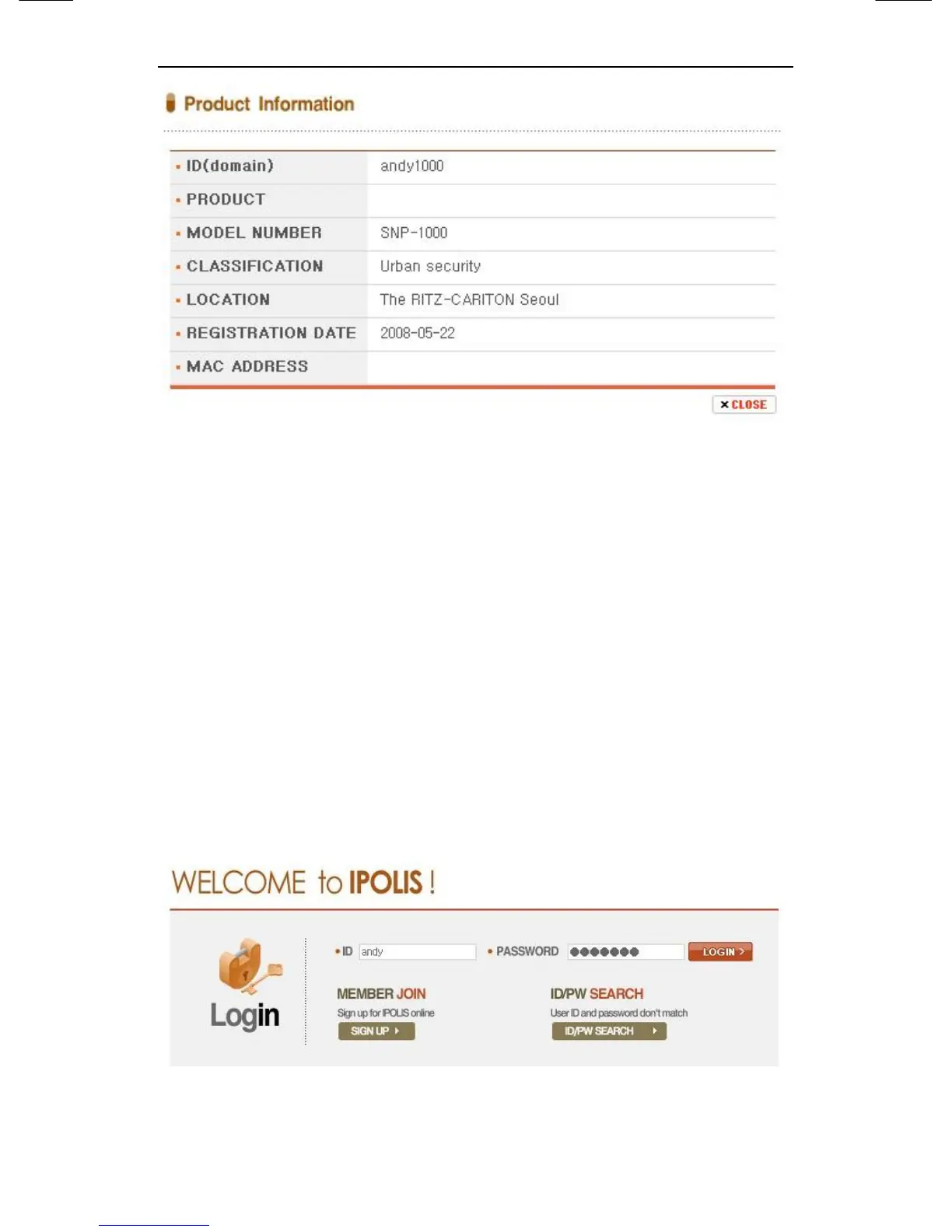
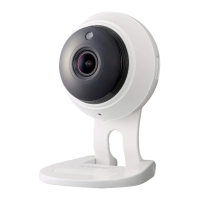
Figure A-9. Product information
Move to Login website of relevant product if click <view>
button of ‘ view’.
The buttons which are <Edit> and <Delete> of ‘product
management’ move to relevant page through input
password to item that fertilize or erase information of
registered equipment in List of product.
Only, ‘ID(Domain)’ of product should establishes again as
‘ID(Domain)’ after deleting because it can’t be fertilized.
Figure A-10. Edit/Delete





 To Next Page