Port/DDNS Configuration
Item Description
Connection
Port
This controls communication with camera.
(Default : 4000)
HTTP Port/
FTP Port
This helps to connect to web page or FTP server.
(Default : http=80, ftp=21)
Use SWR
Select if use of SWR function is available. The way
of connection which used ID does not support.
Use DDNS
Select if DDNS server is available. DDNS server is
connected to server without reference to changed
IP because there is possibility that floating IP
constantly is changed.
A detailed explanation about DDNS usage refers to <Appendix A.
DDNS Usage>.
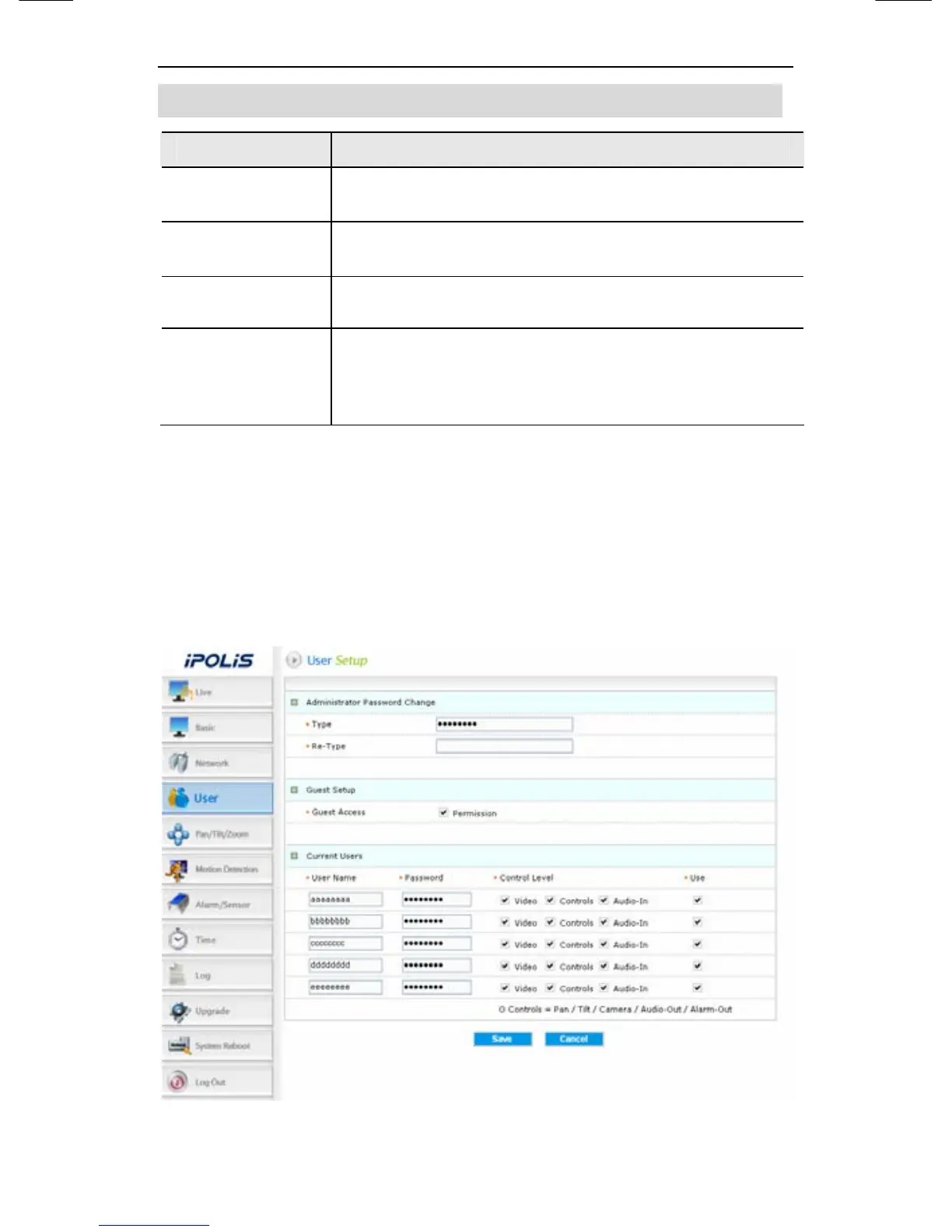
4.2.5. User
This describes password change for administrator or user
registration.






 To Next Page