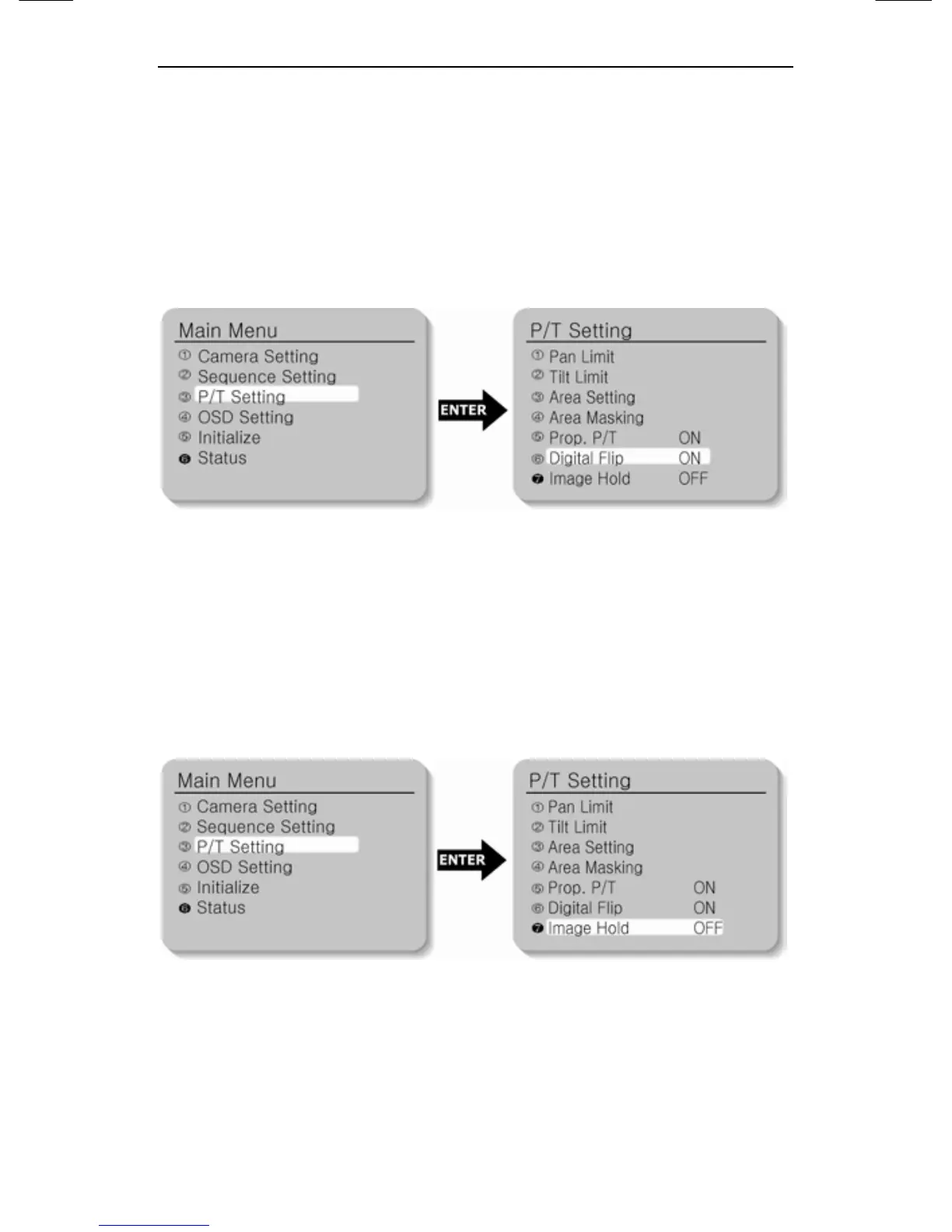
5.4.6. Digital Flip
When you operate the Tilt up to 90° limit and keep it for a certain
time, the image gets reversed automatically and the opposite Tilt
area is seen. When you want to monitor the moving object under the
camera, execute the Digital Flip function. You can observe the
moving object without reversing of the screen.
5.4.7. Image Hold
When moving from one Preset item to another Preset item, the
Preset image before moving can be held before the camera direction
reaches to the new Preset position. This function is for visual
convention of monitoring observer.





 To Next Page