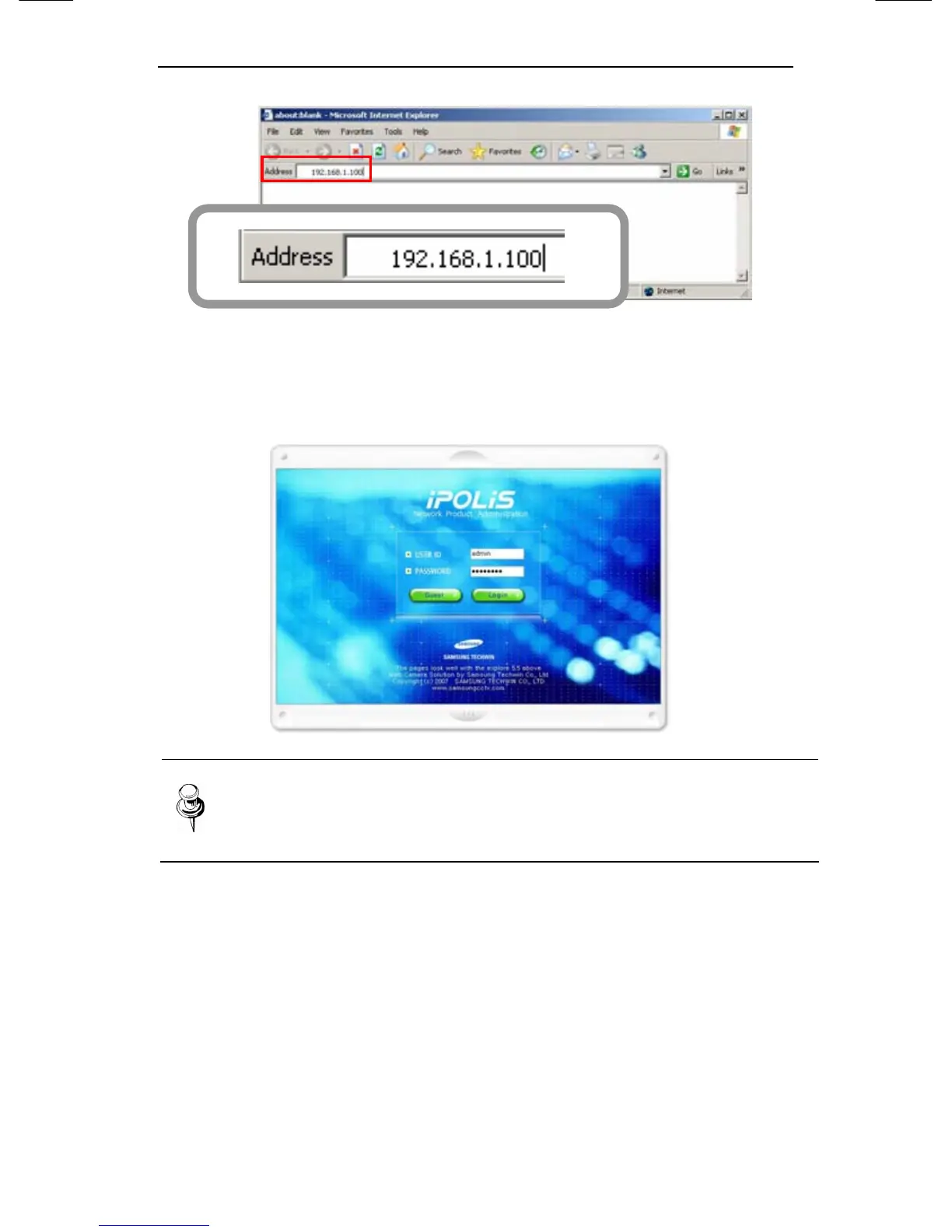
3. Please login with administrator’s authorization and move to
‘Setup-Network’ page.
Note
Default value is ID : admin, PW : 11111111
4. Please configure according to the network environment where
30X PTZ Network Camera SNP-3300 will be installed and
push <Save> button to save the configuration.













 To Next Page