15
Setting Options
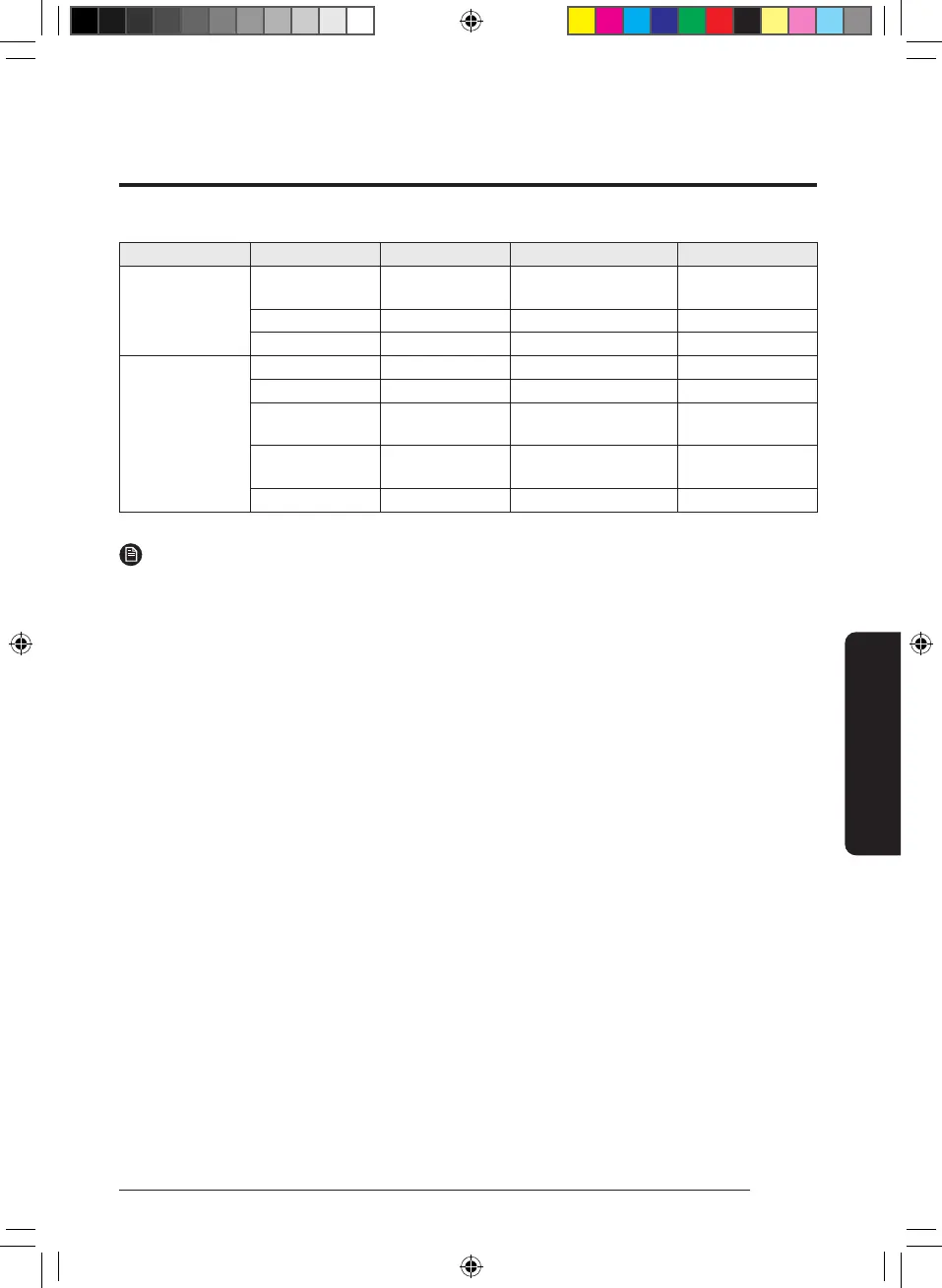
Step 1 Step 2 Step 3 Description Default
Reset
Reset network
settings
Reset connected network
settings
Reset all settings Reset all settings
Restart Restart
About device
Status information Display device info (version)
Device network info (MAC, BLE)
Legal information
AI Home
Privacy Notice
Privacy notice
Terms of Service for
AI Home
Service notice
Open source licenses Open source notice
NOTE
• When Cover Screen is off, screen inactivity of 10 minutes turns the LCD screen off.
Touch the screen to return to the Home screen.
When Cover Screen is on, Cover Screen is displayed for the duration set in Settings. The LCD screen turns
off after a further 10 minutes. Touch the screen to return to the Home screen.
DB68-12922A-02_IB_24Y EHS AE7000D_EU_EN_.indd 15DB68-12922A-02_IB_24Y EHS AE7000D_EU_EN_.indd 15 2024-12-11 오전 10:04:392024-12-11 오전 10:04:39



 To Next Page