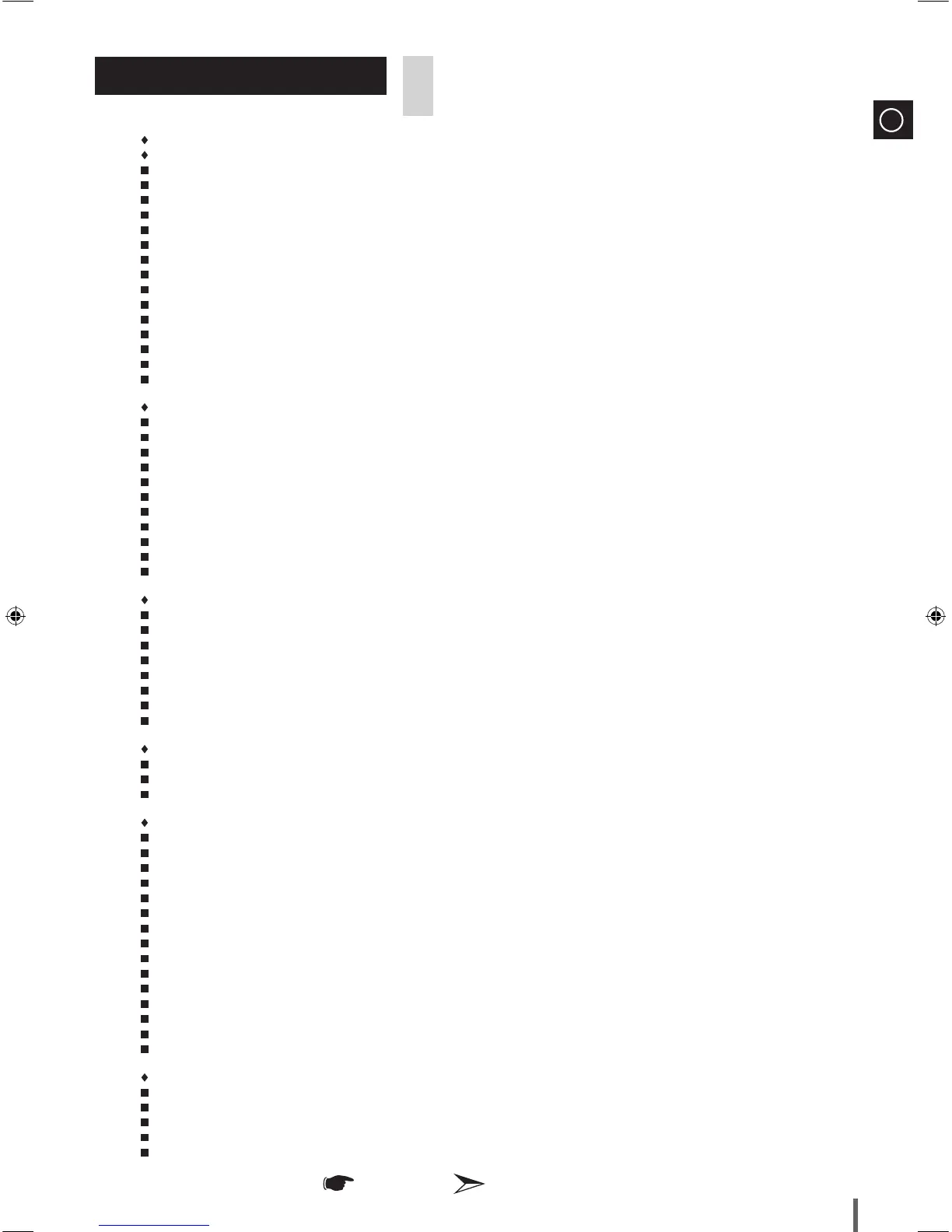
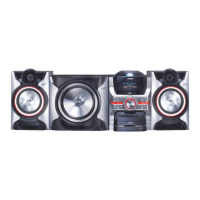
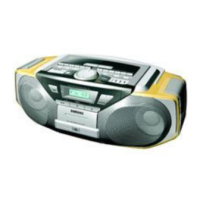
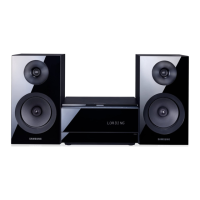
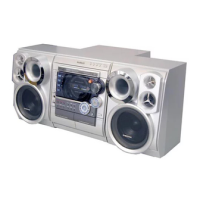
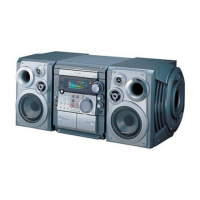
Thank you for buying this SAMSUNG mini-compact system.
Please take time to read these instructions.
They will allow you to operate your system with ease and take full advantage of its features.
SA f E T y WA R n i n g S ..................................................................................................................................................................................... 2
in S T A L L i n g yO U R Mi n i -CO M P A C T Sy S T E M
Front Panel View ...................................................................................................................................................................................... 4
Rear Panel View (MX-D830) .................................................................................................................................................................... 5
Rear Panel View (MX-D850) .................................................................................................................................................................... 5
Rear Panel View (MX-D870) .................................................................................................................................................................... 5
Remote Control ........................................................................................................................................................................................ 6
Where to Install Your Mini-Compact System ............................................................................................................................................. 6
Connecting your System to the Power Supply ......................................................................................................................................... 7
Inserting Remote Control Batteries ........................................................................................................................................................... 7
Connecting the Speakers ......................................................................................................................................................................... 7
Connecting to an External Source ............................................................................................................................................................. 8
Display Function ....................................................................................................................................................................................... 8
Pop-Up LED Function (MX-D870 only) ..................................................................................................................................................... 8
Connecting the FM Antenna ..................................................................................................................................................................... 9
Connecting the AM Antenna (Optional) ..................................................................................................................................................... 9
Setting the Clock ....................................................................................................................................................................................... 9
CD/MP3/WMA-CD-PL A y E R
Loading and Changing Compact Discs .................................................................................................................................................. 1 0
To play the CD/MP3/WMA-CD ............................................................................................................................................................... 1 0
Selecting a CD in the Disc changer .......................................................................................................................................................... 1 1
Selecting a Track ...................................................................................................................................................................................... 1 1
Searching a Track/Folder Quickly ............................................................................................................................................................. 1 1
Searching for a Specific Music Passage on a CD ..................................................................................................................................... 1 1
Repeating One or All Tracks on the Compact Discs ................................................................................................................................. 1 2
A-B Repeat Playback ............................................................................................................................................................................... 1 2
Function to skip through 10 tracks at a time ........................................................................................................................................... 1 2
Programming the Order of CD Playback .................................................................................................................................................. 1 3
Checking or Changing Programmed CD Tracks ....................................................................................................................................... 1 3
US b
Playing USB ............................................................................................................................................................................................ 1 4
Attaching the toroidal ferrite core to the USB cable (optional) ................................................................................................................... 1 4
Searching a Folder Quickly ....................................................................................................................................................................... 1 4
Selecting a Track from USB Device .......................................................................................................................................................... 1 5
To use high speed search ......................................................................................................................................................................... 1 5
To repeat .................................................................................................................................................................................................. 1 5
To skip next 10 tracks .............................................................................................................................................................................. 1 5
To delete a file .......................................................................................................................................................................................... 1 5
TU n E R
Searching for and Storing the Radio Stations .......................................................................................................................................... 1 6
Selecting a Stored Station ........................................................................................................................................................................ 1 6
Improving Radio Reception ..................................................................................................................................................................... 1 6
OT h E R fU n C T i O n S
Recording Function .................................................................................................................................................................................. 1 7
Recording Speed ..................................................................................................................................................................................... 1 7
Timer Function ......................................................................................................................................................................................... 1 8
Cancelling the Timer ................................................................................................................................................................................. 1 8
Selecting EQ Mode .................................................................................................................................................................................. 1 9
Selecting USER EQ Mode ........................................................................................................................................................................ 1 9
Using the Stadium Mode .......................................................................................................................................................................... 1 9
Using the DYNAMIC SPOT Mode ............................................................................................................................................................. 2 0
GIGA SOUND Function ............................................................................................................................................................................ 2 0
Party Function .......................................................................................................................................................................................... 2 0
Mute Function .......................................................................................................................................................................................... 2 0
Setting the System to Switch off Automatically ......................................................................................................................................... 2 0
Stacking the Speakers (MX-D870 Only) .................................................................................................................................................... 2 1
Connecting Headphones .......................................................................................................................................................................... 22
Connecting Microphone ........................................................................................................................................................................... 2 2
RE C O M M E n D A T i O n S f O R US E
Safety Precautions.................................................................................................................................................................................... 2 2
Cleaning Your Mini-Compact System ....................................................................................................................................................... 2 3
Precautions When Using Compact Discs ................................................................................................................................................. 2 3
Before Contacting the After-Sales Service ................................................................................................................................................ 2 3
Technical Specifications ............................................................................................................................................................................ 2 4
Contents
Symbols
Important Note


 To Next Page