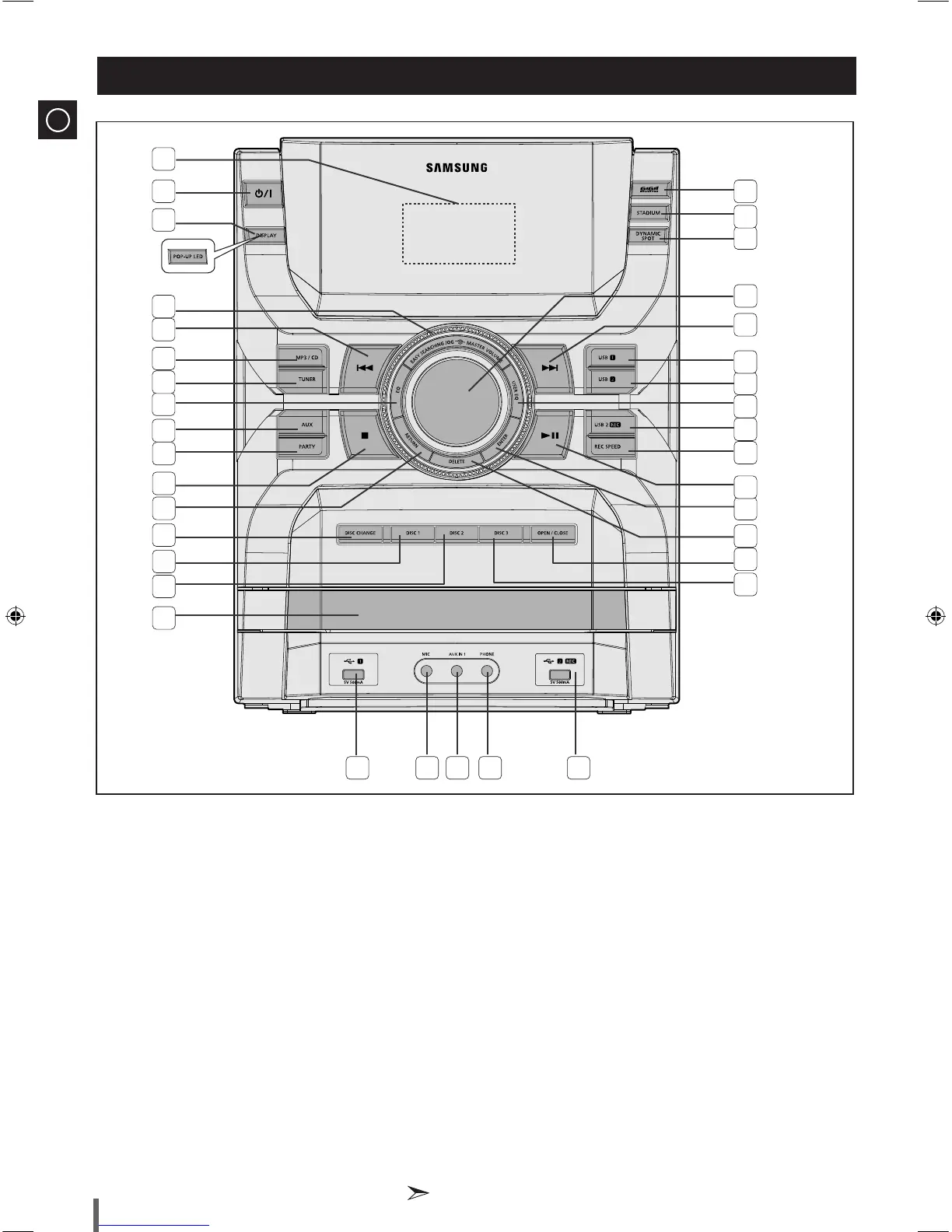
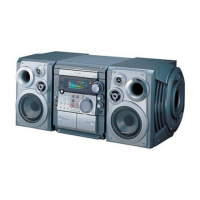
Window Display1.
POWER button2.
DISPLAY button (only for MX-D830/D850), 3.
POP-UP LED button (only for MX-D870)
EASY SEARCHING JOG control4.
Search/Skip button5.
MP3/CD button6.
TUNER button7.
EQ button8.
AUX button9.
PARTY button10.
STOP/Tuning Mode button11.
RETURN button12.
DISC CHANGE button13.
DISC 1 button14.
DISC 2 button15.
Compact DISC Compartment16.
USB 1 jack17.
MIC jack18.
AUX IN 1 jack19.
PHONE jack20.
USB 2 REC jack21.
DISC 3 button22.
23. OPEN/CLOSE button
24. DELETE button
ENTER button25.
PLAY/PAUSE button26.
REC SPEED button27.
USB 2 REC button28.
USER EQ button29.
USB 2 button30.
USB 1 button31.
Search/Skip button32.
MASTER VOLUME control33.
DYNAMIC SPOT button34.
STADIUM button35.
36. GIGA SOUND PRO button
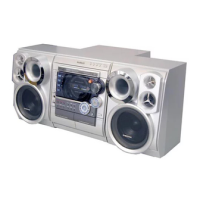
Front Panel View
1
2
3
5
6
8
9
22
23
24
25
26
27
7
10
11
14
12
15
13
16
17 18 19 20 21
4
28
29
30
34
33
31
35
32
36
* MX-D870 only
All those pictures of the Front panel are based on MODEL: MX-D830.
◆


 To Next Page