ENG - 7
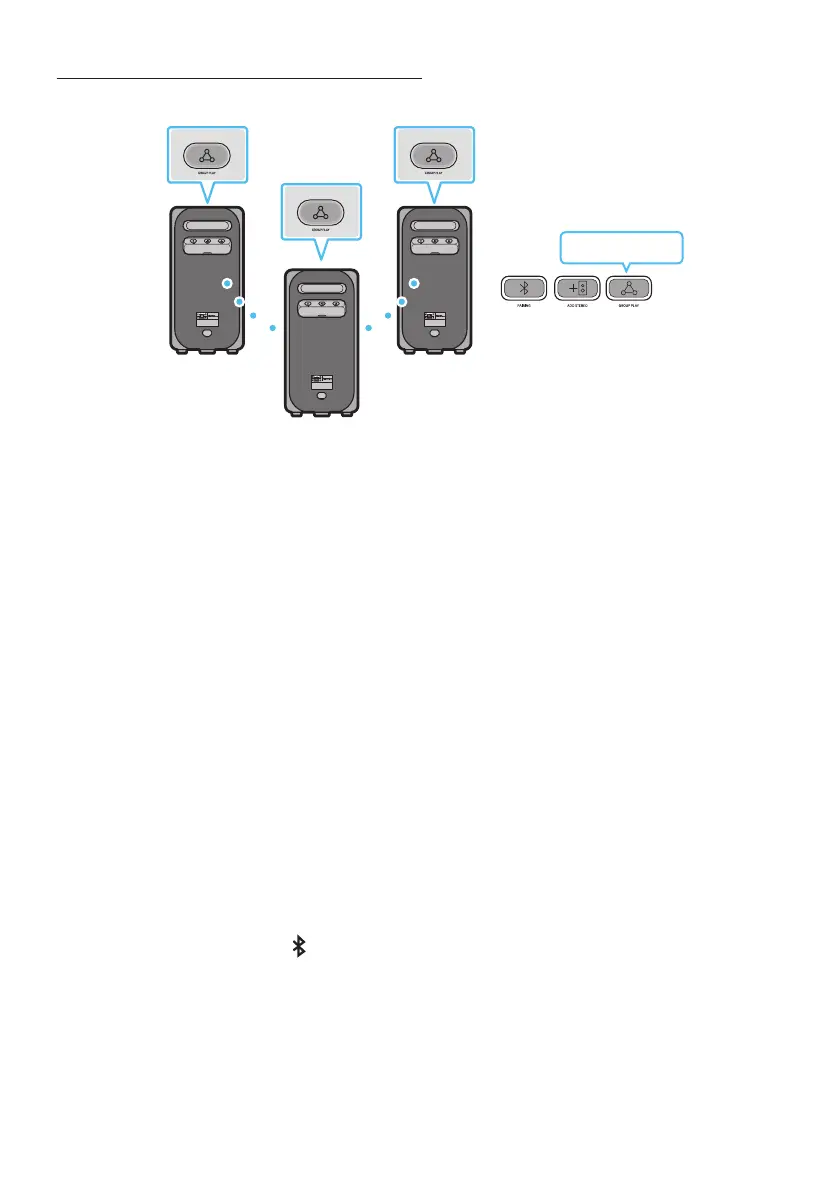
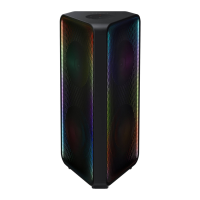
You can connect up to ten Sound Tower systems with the wireless Group Play function.
POWERPOWER
POWER
Press the button on the Sound Tower system, After “GROUP LED” solw blinks
10 seconds, ””LED will be fast blink (30s).
Press the button on the 2nd Sound Tower system (SUB 1).””LED will be
blink.And then SUB1 will be connected with HOST,”GROUP PLAY”LED of SUB1 and HOST will stop
blinking and turn on.
Press the button on the 3rd Sound Tower system (SUB 2). Tone prompt instead the
button on the system stops blinking.
If you want to add more Sound Tower systems, repeat step 3.
Play music on the HOST Sound Tower. Sound outputs from all the connected systems.
• In Group play mode, “HOST” Sound Tower (Figure 1) can connect to the Samsung TV. After the
connection is successful, the Group play mode automatically exits.
• The wireless Group Play connection is available for MX-ST90B/MX-ST5CB/MX-ST40B.
• Environmental conditions or other factors with connected devices may have effect on playback
quality.
• If the red LED is on the button, an error has occurred in the wireless Group Play
connection. Try step 1 to step 5 again.
• The button and button on the SUB Sound Tower systems are not available
while in wireless Group Play mode.
• The button on the HOST Sound Tower system is not available while in wireless Group
Play mode.
• Long press “” in BT Source state to enter Group mode as “HOST”.


 To Next Page