ENG - 6
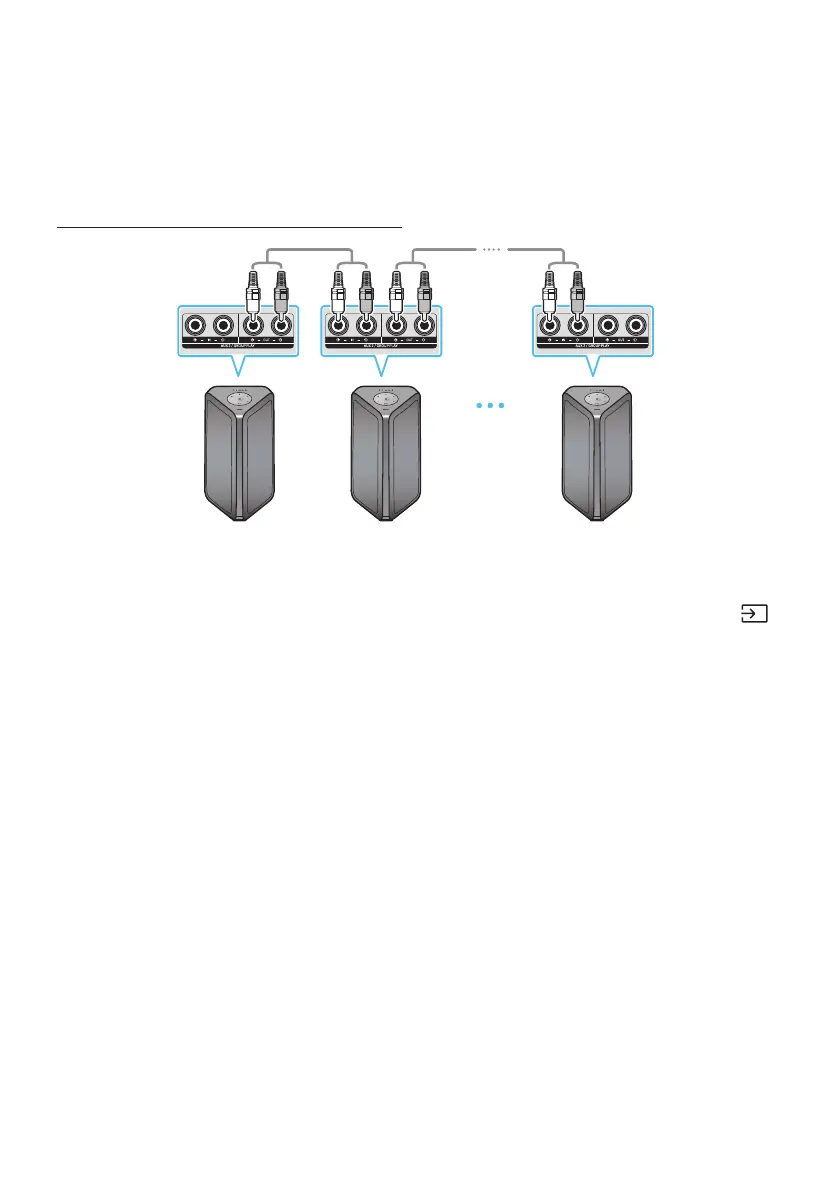
You can connect multiple audio systems in a group to create a party environment and produce higher
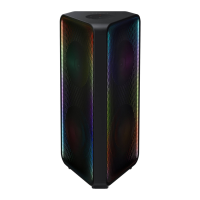
sound output. Set one Sound Tower as the HOST and any music played on it will be shared among any
other Sound Tower systems in the Audio group.
Set up Group Play by connecting all the systems using audio cables (not supplied). Use the or
button to change the source to for every Sound Tower system except the 1st (or HOST)
Sound Tower system.
• The 1st Sound Tower HOST can play music from any source.
• Depending on the length or characteristics of the cable, there may be a difference in operating
distance.


 To Next Page