EasyManua.ls Logo

Samsung MX-ST5CB - USING THE REMOTE CONTROL; Remote Functions, Sound Modes, and DJ Effects

Samsung MX-ST5CB
40 pages
Print Icon
To Next Page IconTo Next Page
To Previous Page IconTo Previous Page
Loading...
ENG - 20
 














󱂔
󱂖
󱂙
󱂜
󱂠
󱂢
󱂗
󱂘
󱂕
󱂞
󱂝
󱂡
󱂓
󱂚
󱂛
󱂟
* To reduce battery drain, the product
does not turn on when press the power
button of remote control while the
battery is in use.
󱂓













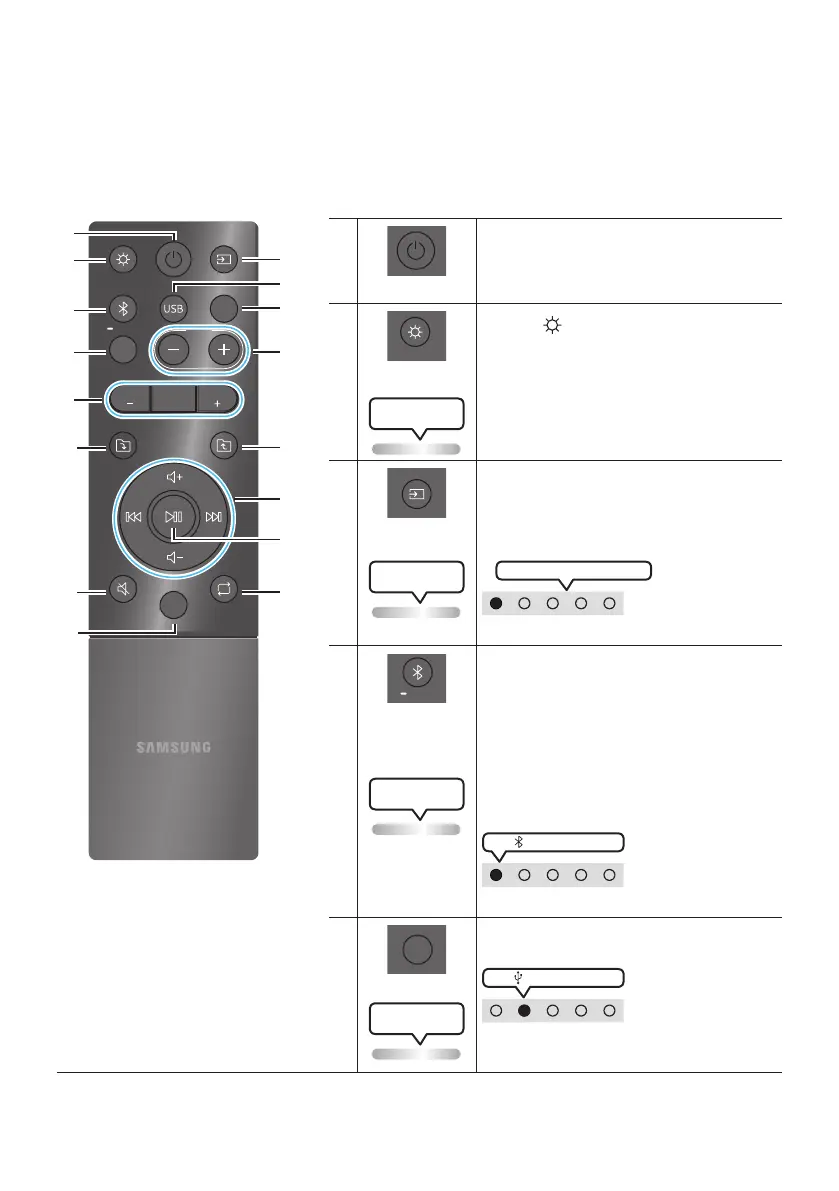
Turn the Sound Tower on and off.
󱂔













Press the  button to turn the
Lighting Mode on.
(Only during music playback is effective)
Press the button repeatedly to cycle through
the available light modes: , ,
, ,  or .


󱂕













Press to select a source connected to the
Sound Tower.
Press the button repeatedly to cycle through
the available sources: ,,  or.



LED indicator on the top of the product.

󱂖














Press to select a source connected directly to
"" mode.
Press and hold the button for
more than
5 seconds to enter the "" mode.
You can connect the Sound Tower to a new
Bluetooth device in this mode by selecting the
Sound Tower from the Bluetooth device's
search list.

󵘍

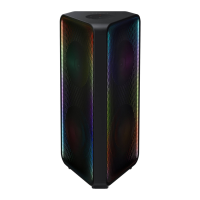
LED indicator on the top of the product.
󱂗













Press to select the  source connected to
the Sound Tower.

LED indicator on the top of the product.



Related product manuals