ENG - 24
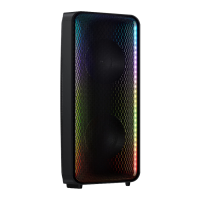
The DJ Effect function lets you add DJ sound effects to your music. The level of each effect is
adjustable.
Press the button on the Remote control.
Each time you press the button, the Sound Tower cycles through the available DJ Effects:
• : Create white noise and mixed with the original sound through the lter and output.
• : Creates an effect similar to the sound of only treble or bass.
• : Creates an effect that makes the original sound sharper.
• : Creates an effect similar to a singing chorus.
• : Creates a ‘Wah~ Wah~’ effect.
• : Turns off the DJ Effect.
Press the or buttons to raise or lower the level of each of the DJ sound effects
from -15 to +15.
• When turned off, press and hold the button on product or remote control for more than 5
seconds to turn on in the default DJ Effect setting.


 To Next Page