ENG - 5
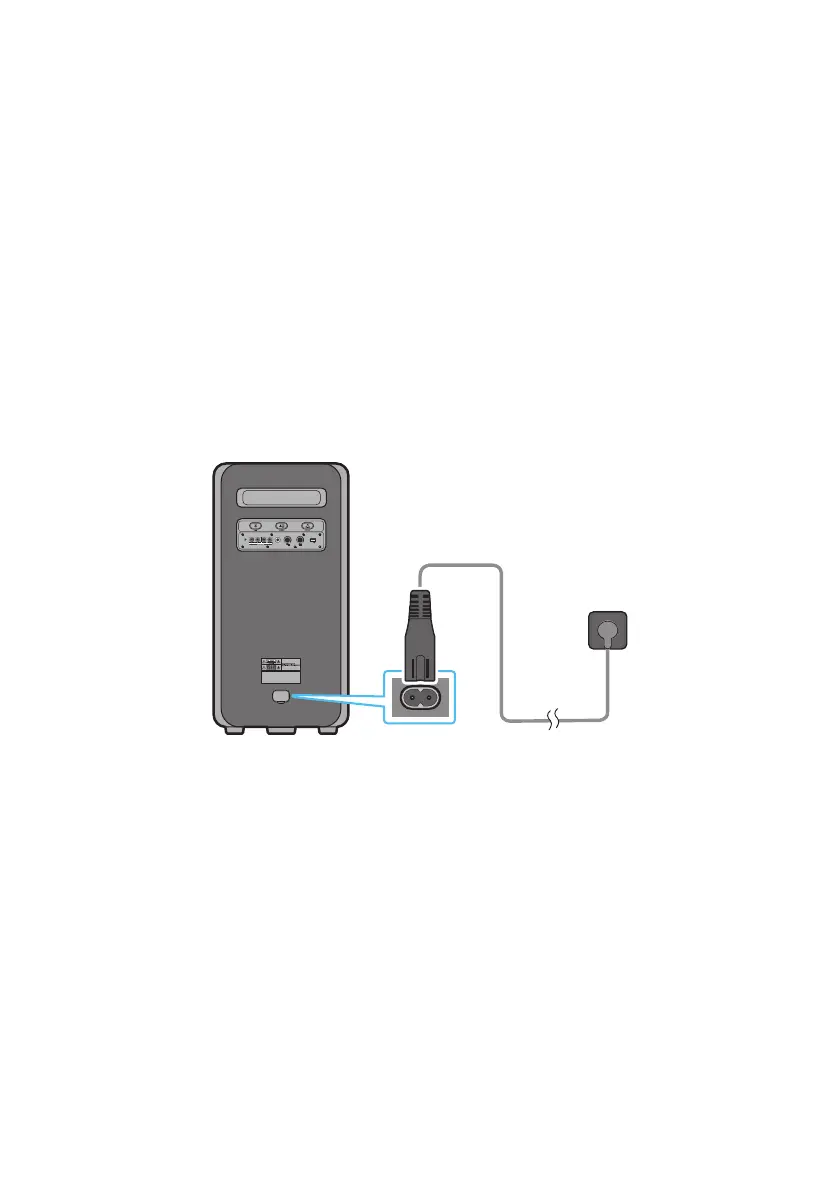
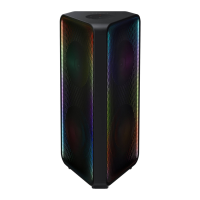
Use the power cord to connect the Sound Tower to an electrical outlet in the following order:
Connect the power cord to the Sound Tower and then to a wall socket.
See the illustrations below.
• When the AC cord is pressed in, the built-in battery will be charged automatically until the battery
is fully charged. The LED indicator on the top panel will show the current charging state (refer to
page ENG - 4)
• When you unplug the set to run on battery, the volume level drops dramatically.
• For more information about the required electrical power and power consumption, refer to the
label attached to the product. (Label: Rear of the Sound Tower)
POWER


 To Next Page