ENG - 23
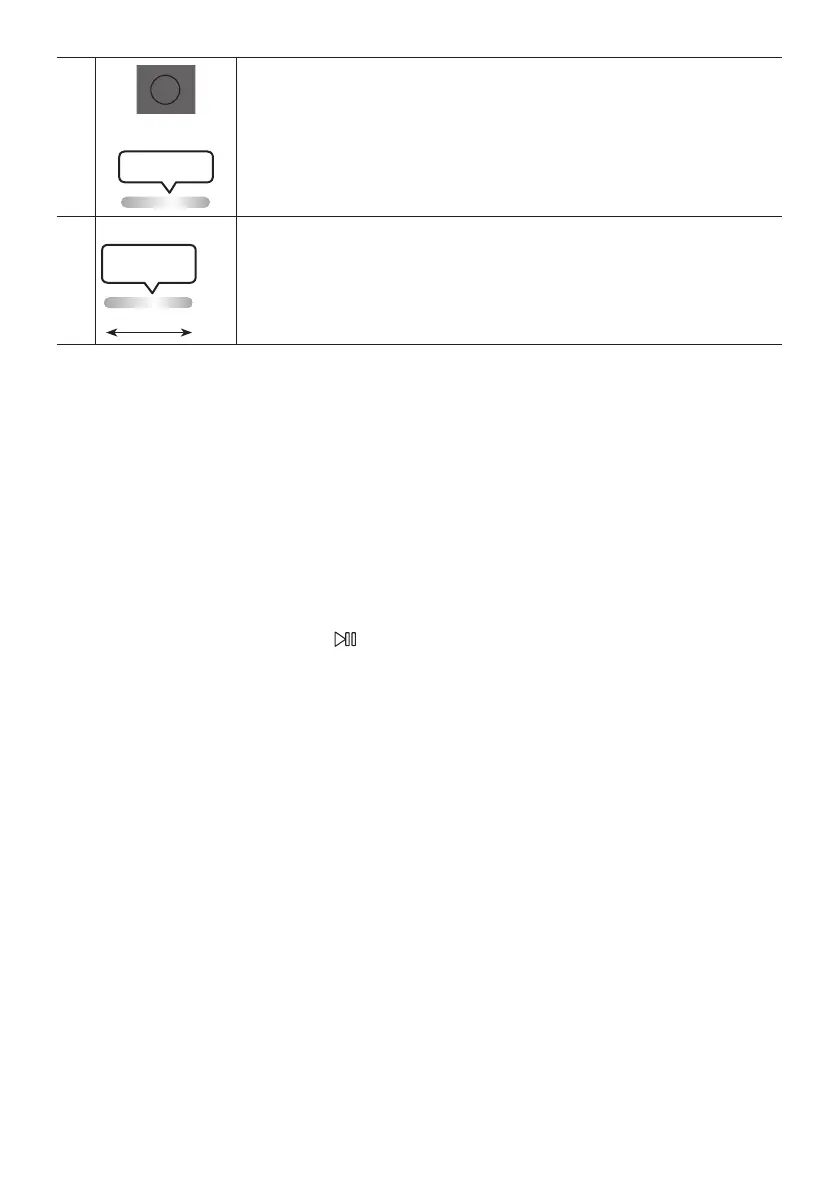
Press the button to use the powerful bass sound.
Press it again to return to the normal sound.
Press and hold the button for more than 5 seconds to turn on or off the
function.
※
The remote control button function is not available in the current source.
Your Sound Tower provides predened equalizer settings that are optimized for particular music
genres.
Press the button on the Remote control.
Each time you press the button, the Sound Tower cycles through the available
sound effects: , , , , , , or .
• Default sound mode is .
• When turned off, press and hold the button on product or remote control for more than 5 seconds
to turn on in the default Sound Mode setting.


 To Next Page