ENG - 22
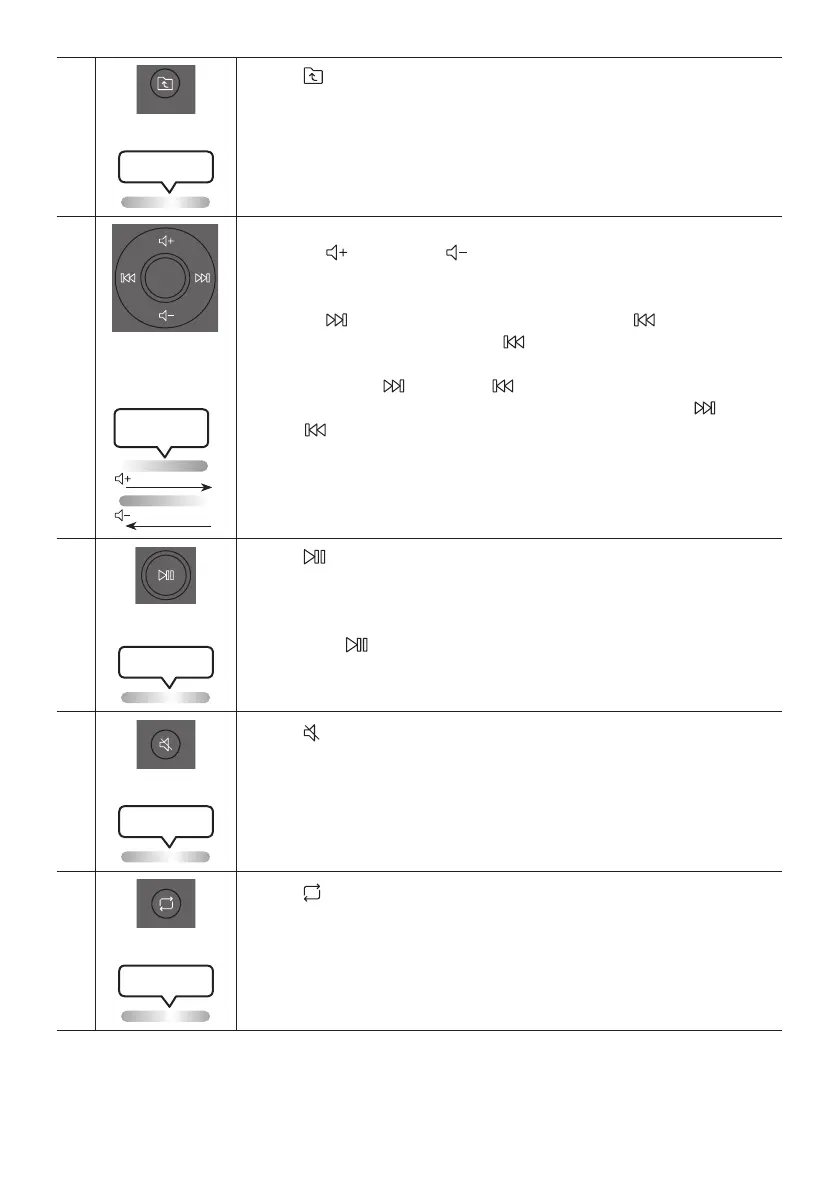
Press the button to move to the previous folder in the USB device.
•
Press the
or to adjust the volume level up or
down.
•
Press the
button to select the next music le. Press the button once to
play the current music again. Pass the button twice to select the previous
music le.
Press and hold the
button or the button for more than 3 seconds in USB
play mode to search forward or search backward. Press and hold the button
or the button for more than 3 seconds again to get back to normal play.
Press the button to pause a music le temporarily.
When you press the button again, the music le plays.
•
To turn off Auto Power Down function while the unit is in , mode, press
and hold the
button for more than 5 seconds. Lighting bar will be blink white
once.
Press the button to mute the sound.
Press it again to unmute the sound.
Press the button to use the Repeat function in “” mode.
Press the button repeatedly to cycle through the available repeat functions:
,,, or.


 To Next Page