ENG - 10
• In mode other than “” (ex. , mode), music is played only in MAIN Sound Tower and music
is not played in SUB Sound Tower.
• The lighting colors between MAIN Sound Tower and SUB Sound Tower may vary.
• This product does not support aptX audio stream with Stereo Group mode.
• If you try to connect a Bluetooth device while Stereo Group is connecting, the Stereo Group mode
may fail.
Press the button (MAIN or SUB) for at least 5 seconds while the Stereo Group is
connected.
• Tone prompt and the LED above the button is off.
Green
Blink Waiting for a Stereo Group connection.
Solid The Stereo Group connection is successful.
Red Solid There is an error with the Stereo Group connection.
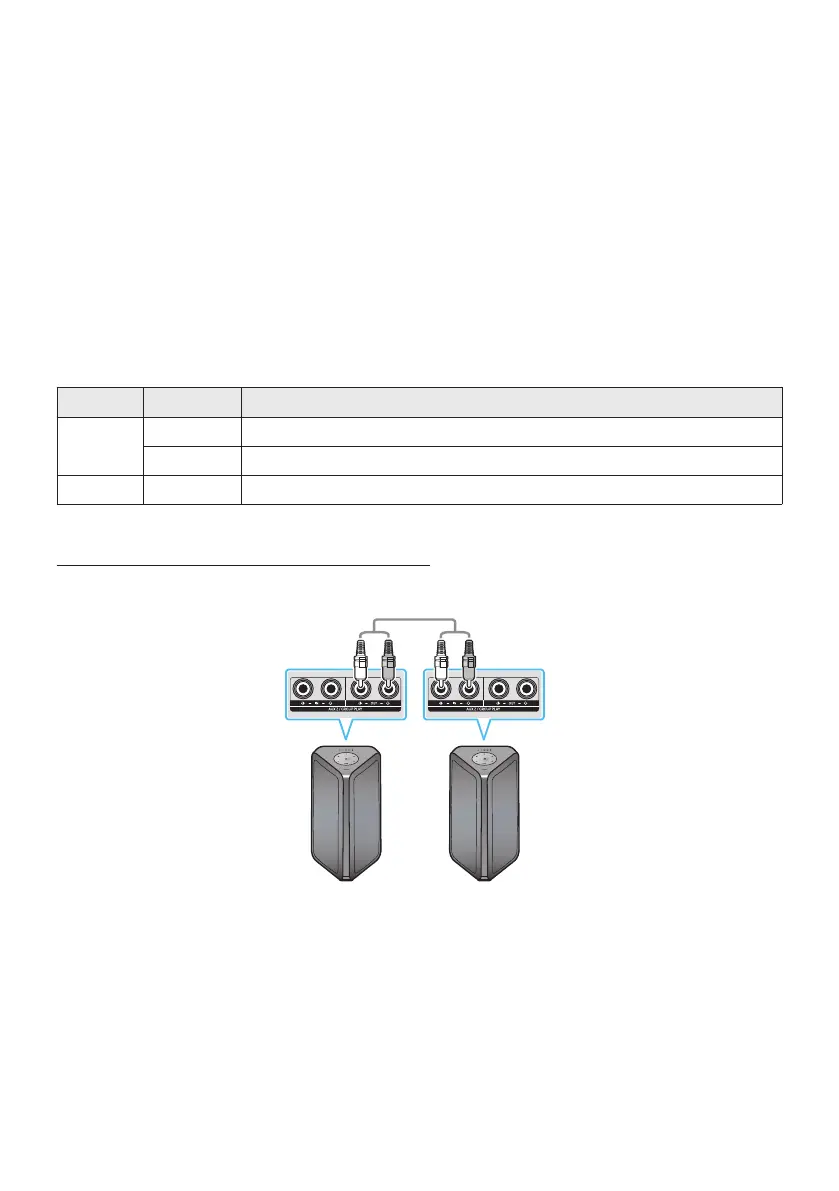
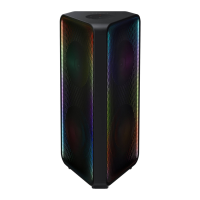
Connect two Sound Tower by wire and use them with Samsung TV to enjoy stereo sound.
Connect two sound towers via stereo mode by press the ADD STEREO button on the two Sound
Tower.
Connect the RCA cable to the on the MAIN and on the SUB as shown by using
the RCA cable (not supplied).
In “” mode, press the “” button on the MAIN Sound Tower remote control for at least 5
seconds. The LED blinks on the ADD STEREO button.


 To Next Page