137
Installing drivers and programs
1
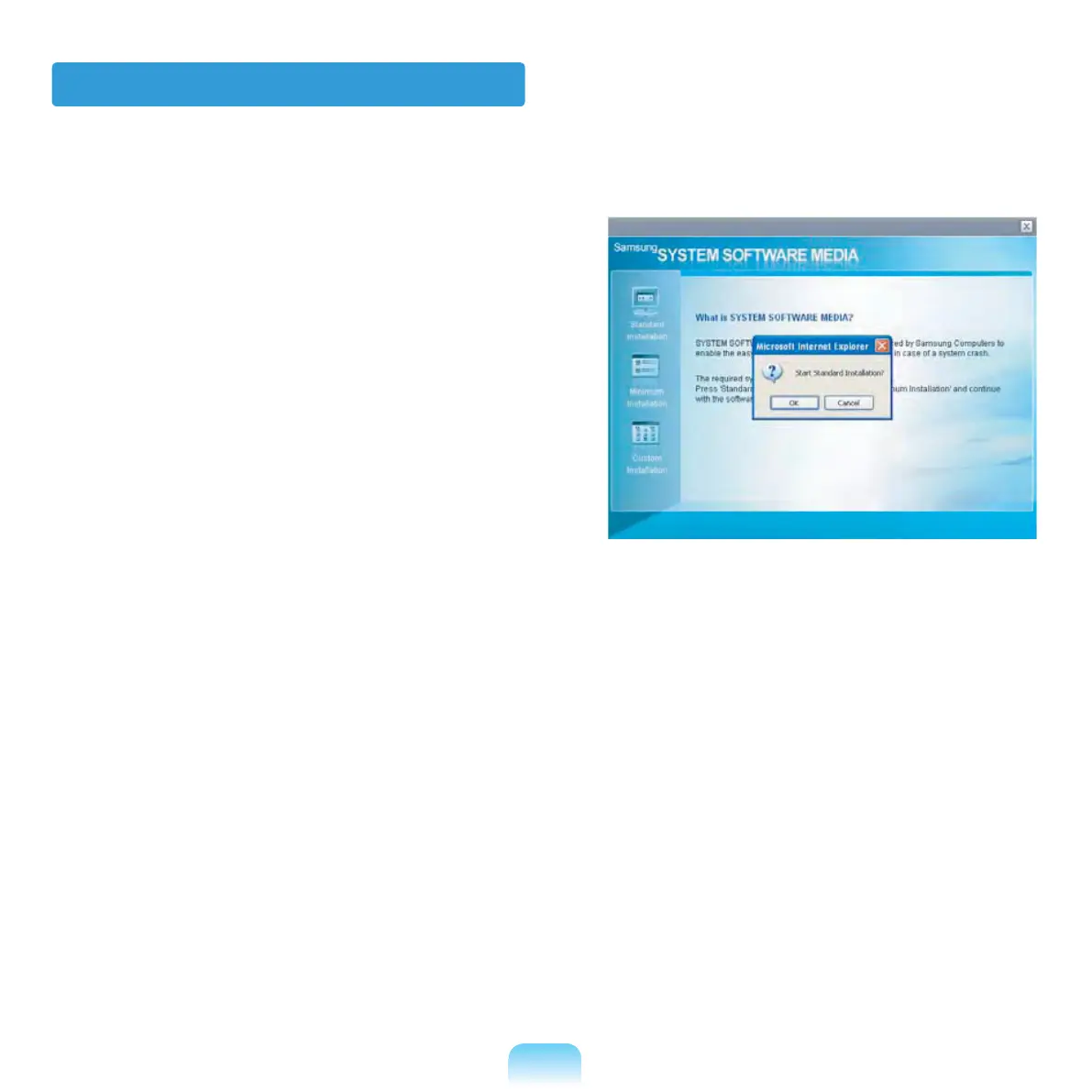
Select Standard Installation in
the System Software Media main
screen.
2
If the Start Standard Installation
window appears, click the Yes button.
The drivers and programs, which were
installed in the computer when you
purchased the computer, are installed
again.
3
The Software installations was
completed window appears.
If you click Yes, the computer is
restarted.
4
When done, restart the system.



 To Next Page