160
Reinstalling Windows XP
You can reinstall Windows using the System Recovery CD when Windows does not
work properly.
A System Recovery CD may not be supplied depending on your computer model.
To reinstall Windows when Windows does not boot, refer to page 163.
To reinstall Windows using System Recovery Media, an external-type ODD must be
connected before turning the computer on. The following descriptions assume that
an external ODD is connected.
Reinstalling Windows may delete data (les and programs) saved on the hard disk
drive. Make sure to backup all important data. Samsung Electronics shall not be held
liable for any loss of data.
Reinstalling Windows
Explain Standard installation option as a
standard.
1
Insert the system recovery CD into
the CD-ROM drive.
2
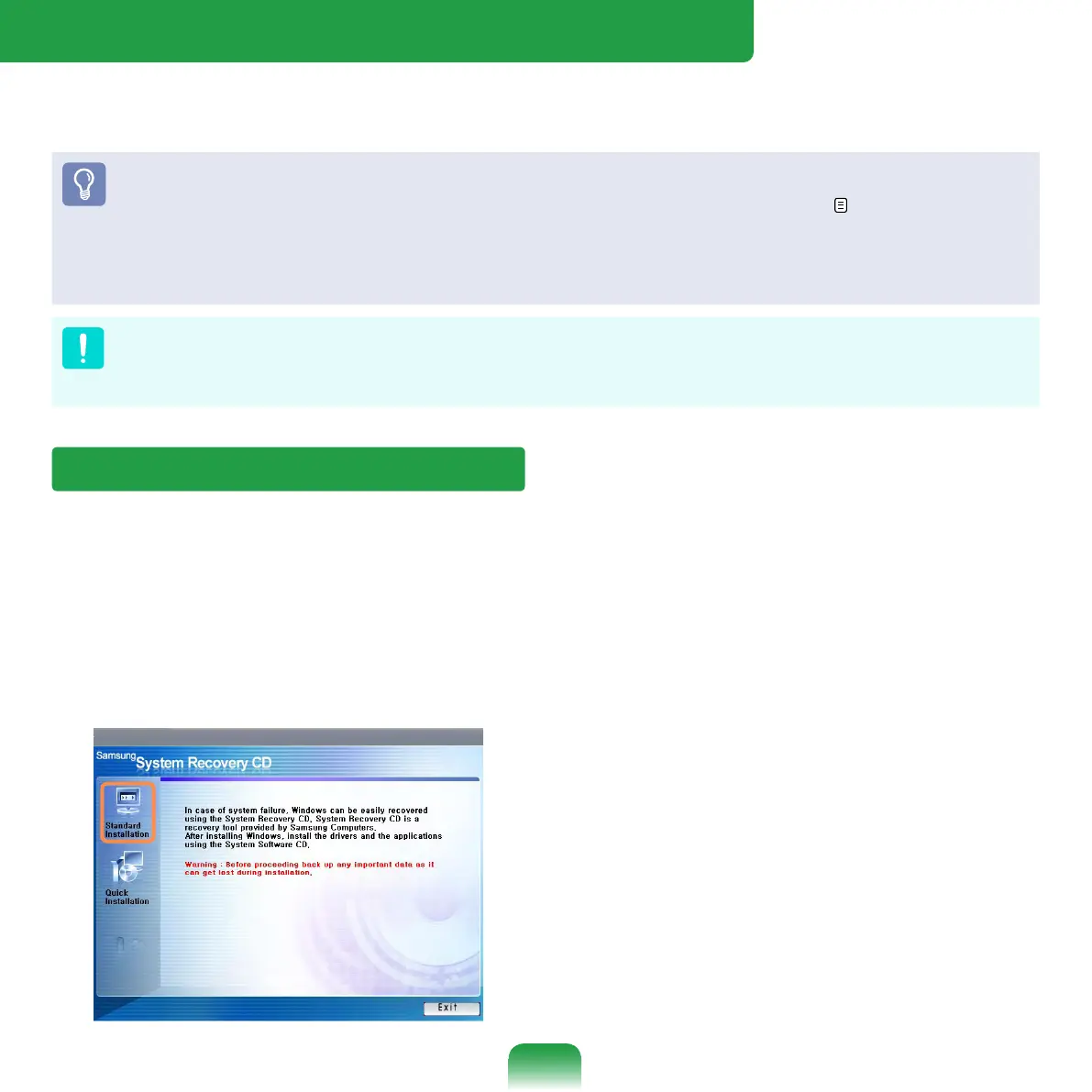
In the initial screen, click Standard
Installation.
Standard installation
You can change the settings for
partitioning, the installation folder,
etc. during the Windows installation.
However, reinstalling Windows may
delete the data on the hard disk drive
such as les, programs, etc. In order
to minimize damage from data loss,
please remember to always back up
data.
Quick Installation
This re-installs Windows with the user
data and the system conguration
intact. The user data in the already
existing Windows folders may be
preserved as the existing Windows
folders are overwritten.



 To Next Page