67
Multi Card Slot
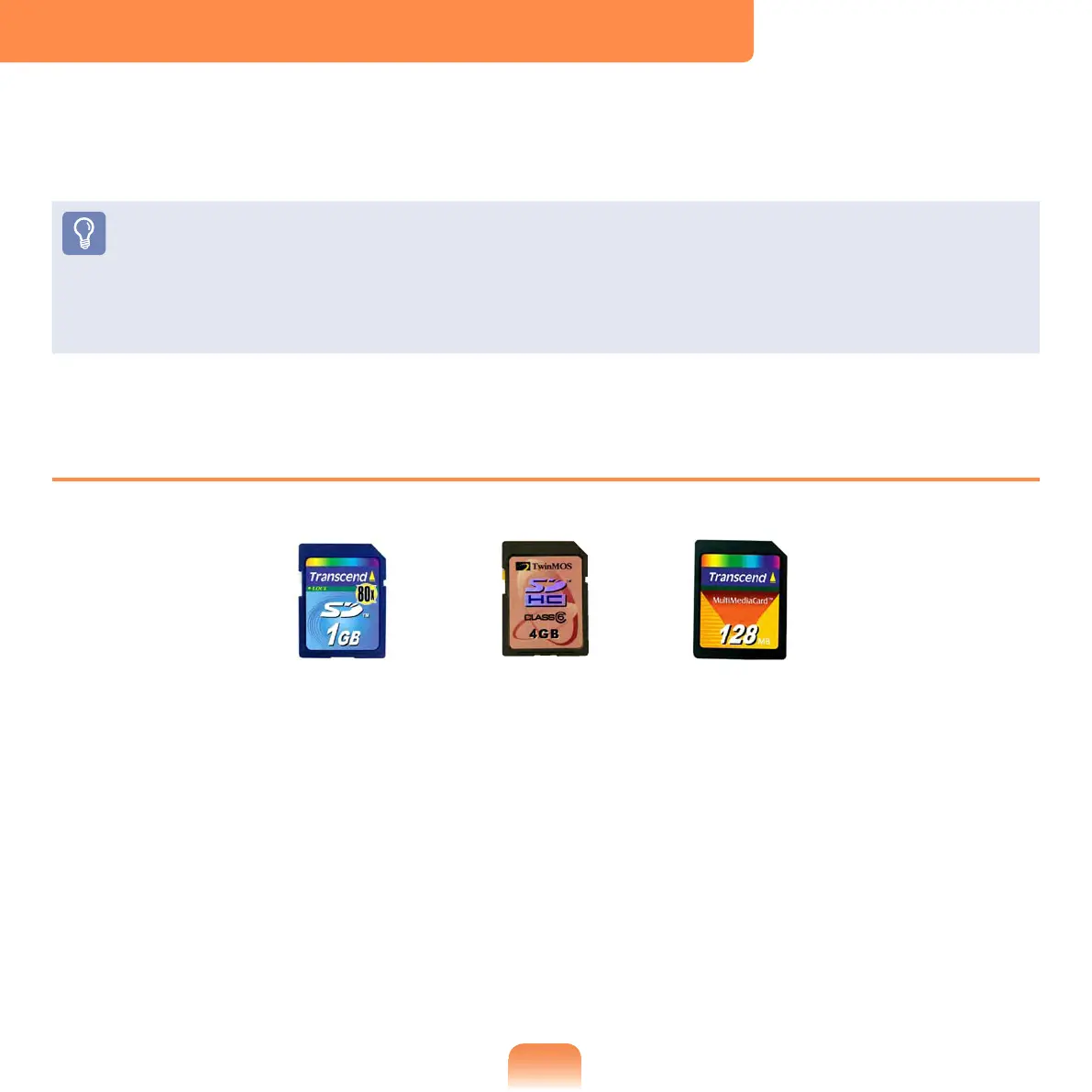
Using the multi card slot, you can read and write data to a SD card, SDHC card, MMC.
You can use a card as a removable disk and conveniently exchange data with digital
devices such as a digital camera, digital camcorder, MP3, etc.
You have to additionally purchase a multi card with the necessary capacity
depending on your requirements.
You can use a multi card just like any data storage device. A copyright protection
function is not supported.
Since you can lose a card when moving the computer, keep the card separately.
Supported Cards
SD Card
MMC
SDHC Card



 To Next Page