62
Touchpad
The touchpad provides the same function as a mouse and the left and right buttons of
the touchpad plays the role of the left and right buttons of a mouse.
Use the Touchpad with your ngers. Using a sharp object may damage the
Touchpad.
If you touch the Touchpad or press the Touchpad buttons while booting up, the
Windows boot time may be extended.
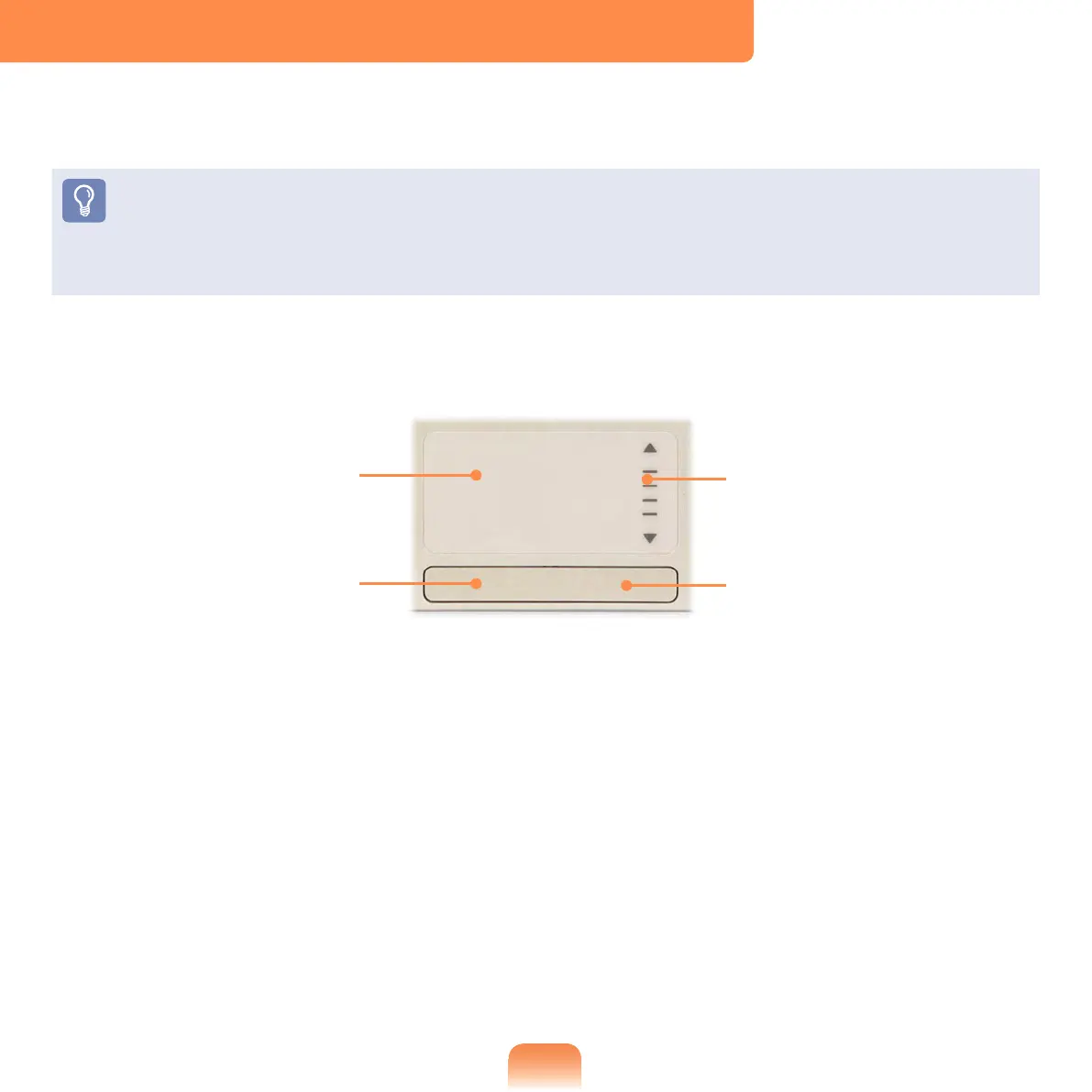
Touchpad
Use to move the
cursor.
Scroll Area
Plays the role of the
mouse wheel. You can
scroll up and down using
the Scroll Area.
Touchpad Left Button
You can select or run a
program using this button.
Touchpad Right Button
Plays the role of the right
mouse button.



 To Next Page