65
External-type CD drive (To be purchased)
This computer supports an external USB CD-ROM drive (can be additionally
purchased).
Check if the interface type of the external CD-ROM drive is a USB type. For detailed
specications, refer to the catalog.
The following types of external CD drives exist.
Drive Type Function
DVD-ROM Reads CD/DVD.
DVD-Combo You can read CDs and DVDs, and burn a CD.
DVD Super
Multi
You can read CDs and DVDs, and burn CDs and DVDs.
Supported DVD recording types include DVD±R, DVD±RW, DVD-
RAM.
The appearance and color of the external-type CD drive may differ from the actual
appearance and color depending on the CD drive model.
Do not insert a cracked or scratched CD.
Otherwise, the CD may break and damage the optical disk drive when the CD
rotates at a high speed.
When you clean a CD or DVD title, wipe with a soft cloth from inside to outside.
Do not eject a CD when the CD operating LED is on.
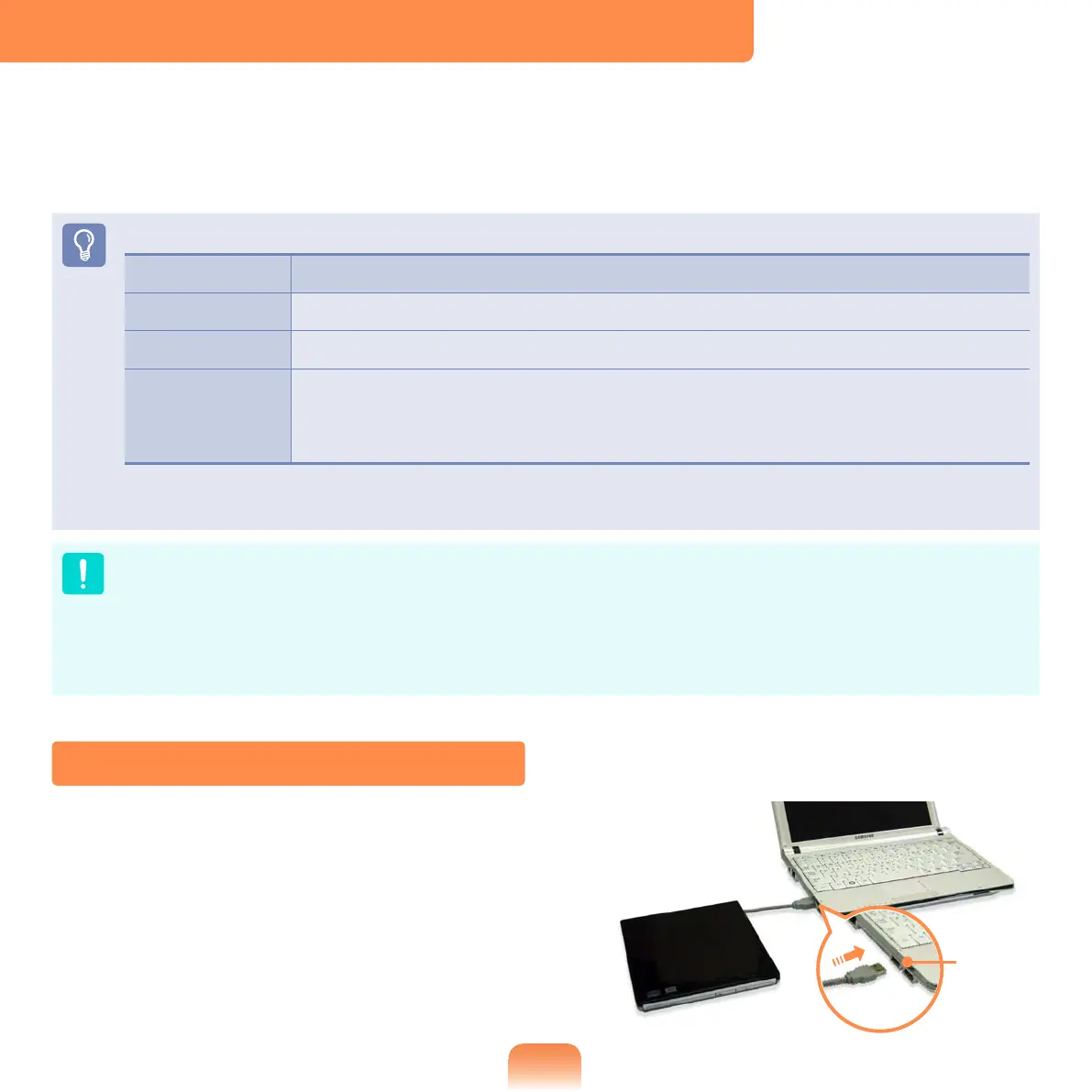
Connecting the CD Drive
Connect the CD drive to the USB port.
USB
port



 To Next Page