70
Connecting a monitor / TV
Using an external display device is useful when you are giving a presentation or
watching a video or movie through your monitor.
You have to buy a connection cable additionally.
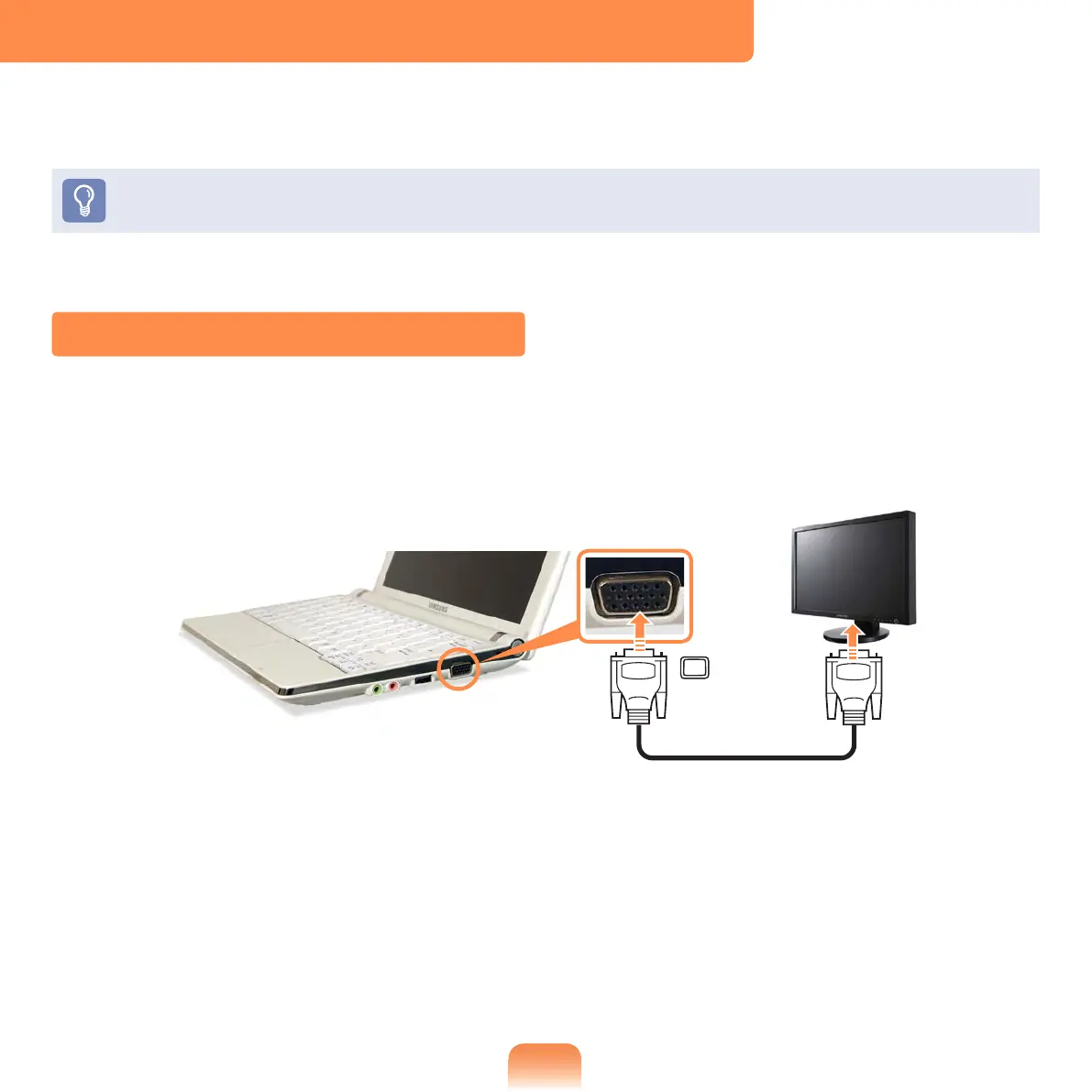
Connecting to the Monitor / TV
Connect the computer to the RGB port of the monitor or TV using a monitor cable (15-
pin).



 To Next Page