71
Switching the Display Device using
the Shortcut Key
Press the Fn + key combination
once. Then the Easy Display Manager
screen appears in which you can select a
display device.
Whenever you press the key while
holding down the Fn key, the selected
option is changed.
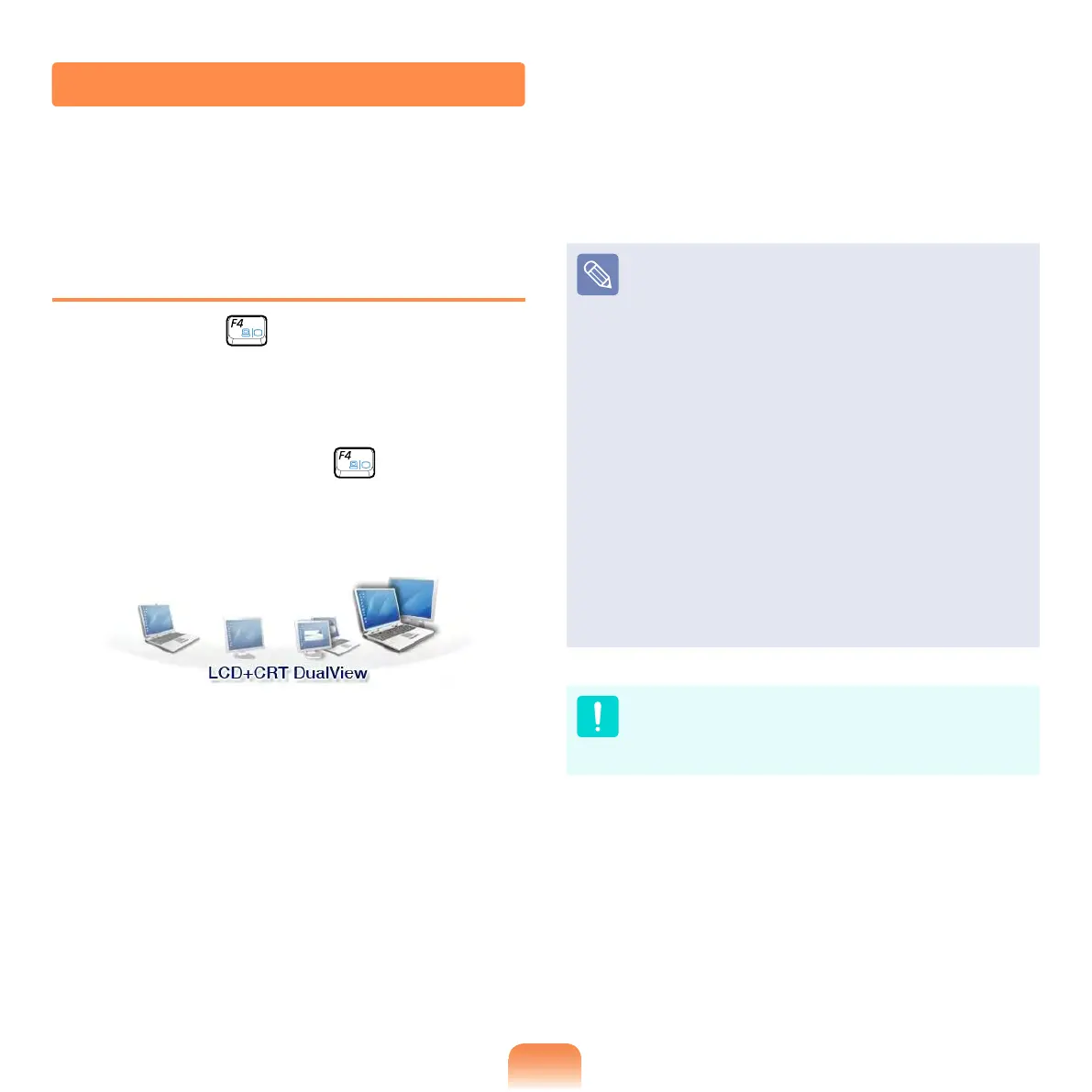
Example) Selecting LCD+CRT
Dual View
LCD: Notebook Screen
CRT: External Monitor Screen
LCD+CRT Clone : Notebook+
External Monitor Screen
LCD+CRT DualView: Notebook+
External Monitor Screen in Dual
View
What is Dual View?
Dual View is a function that
enables you to view a computer
screen over two display devices.
It is convenient when you need a
wide screen.
External Monitor / TV is not
supported in the DOS Command
Prompt window.
Viewing Through a Monitor / TV
You can switch the display device using the shortcut key.



 To Next Page