136
Reinstalling Software
If you have reinstalled the Windows operating system, or the system and program
do not operate properly, you can re-install the driver and program using the system
software Media.
When software is not working properly, it is recommended removing the software
using the Add or Remove Programs of the Control Panel and reinstalling the
software using the System Software Media.
The System Software Media is supplied as a CD or DVD depending on your
computer model.
To use the System Software Media, the external USB ODD must be connected to
the computer. The following descriptions presuppose that the external USB ODD is
connected.
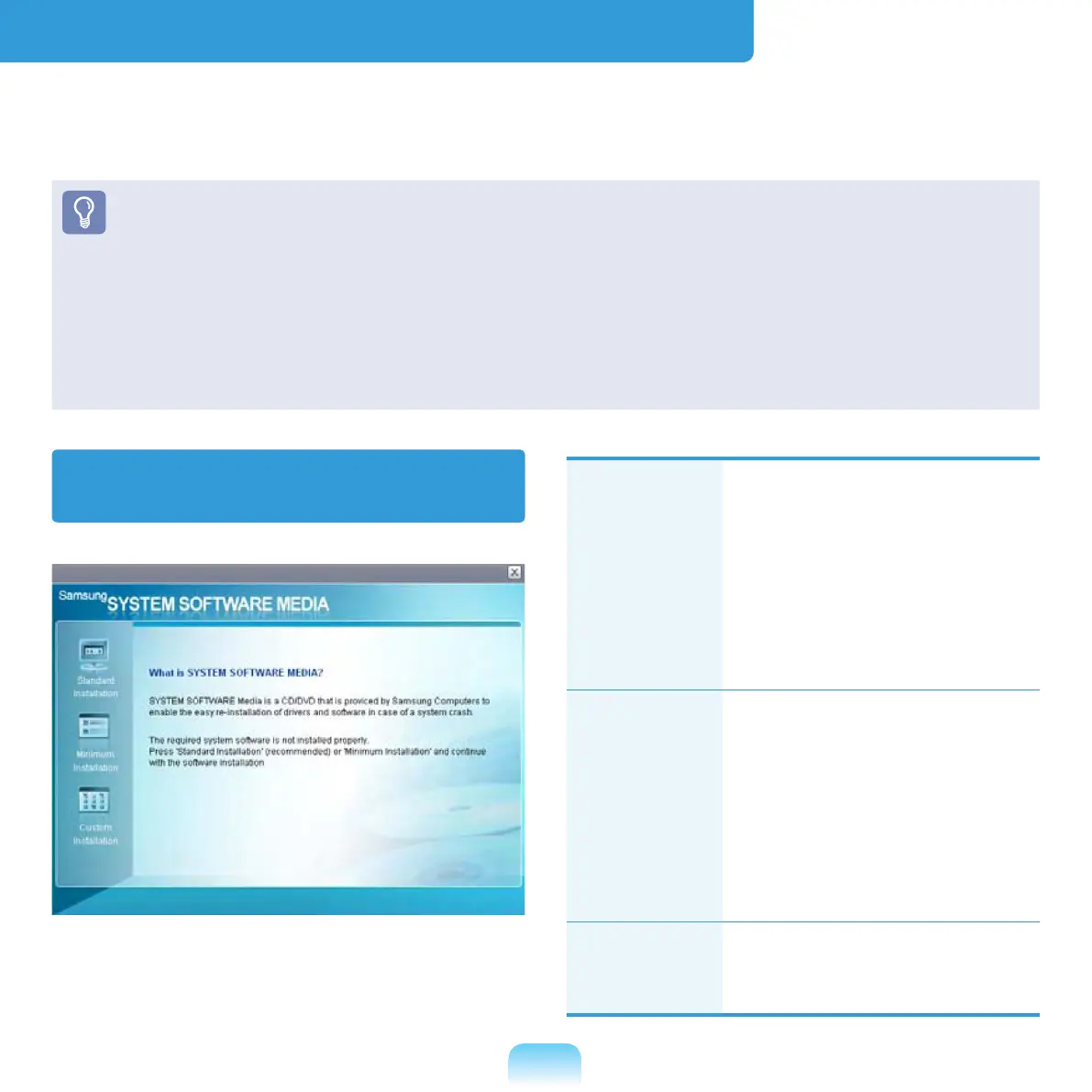
Running the system software
Media
Standard
Installation
This displays a list of
drivers or programs that
are not currently installed
on your computer from the
system software Media
provided.All necessary
components are installed
using the factory defaults.
Minimum
Installation
This displays the
components (driver,
Windows programs,etc)
that, if not installed, may
cause problems with the
system performance.You
can install only required
components.
Custom
Installation
You can customize the
installation of drivers and
programs.



 To Next Page