150
3
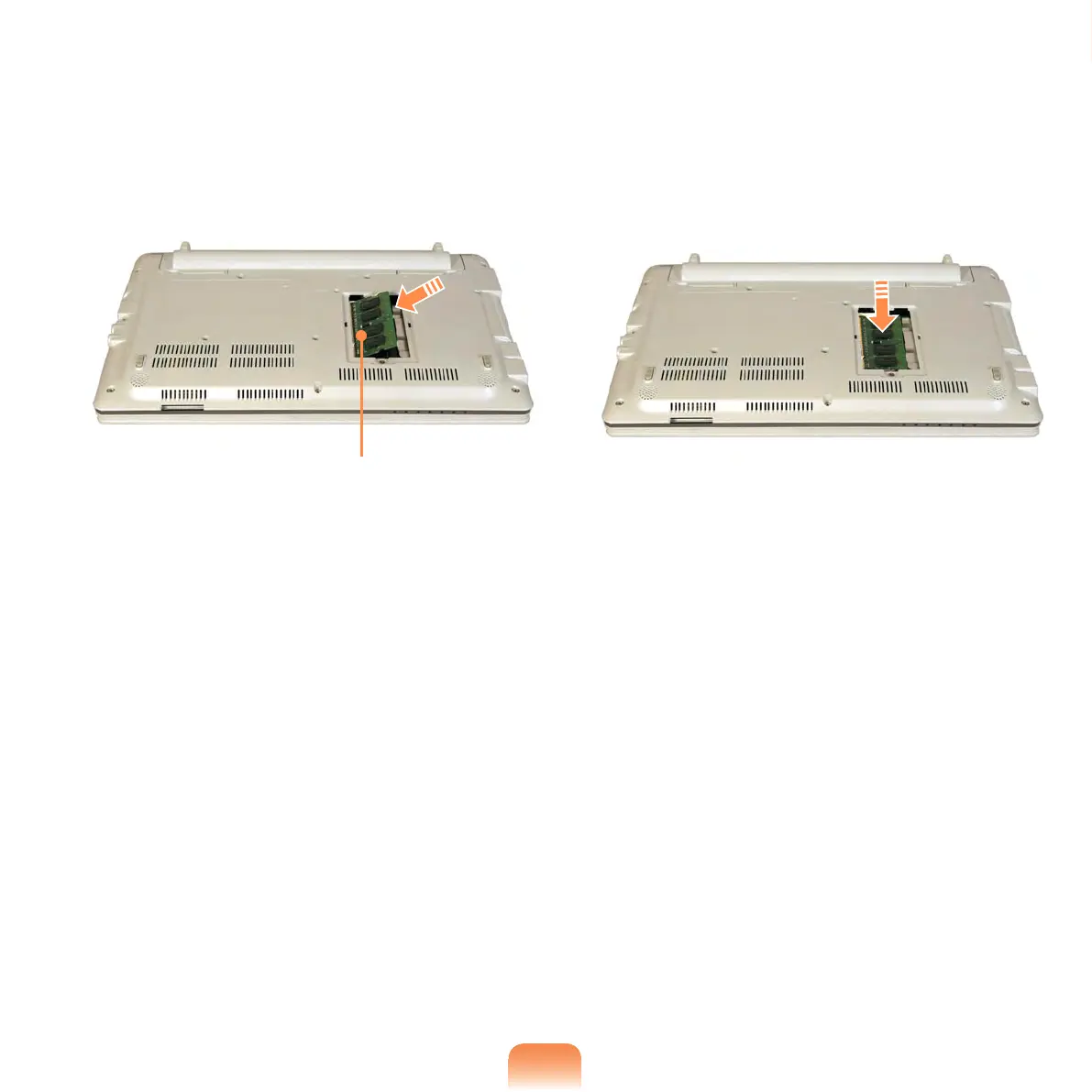
Insert a new memory module into
the memory slot at an angle of
approximately 30 degrees aligning it
to the angle of the memory slot.
Memory Slot
4
Push the memory module down
so that it is completely xed. If the
memory does not t easily, push the
memory module down while pulling
the memory module latches outward.
5
Close the memory compartment
cover and fasten the screw.



 To Next Page