Images used in this User Guide may differ from actual product.
This guide decribes procedures for using both the mouse and the touchpad.
The illustrations provided in this guide assume that your operating system is
Windows XP. These illustrations are subject to change.
The User guide supplied with this computer may vary depending on your model.
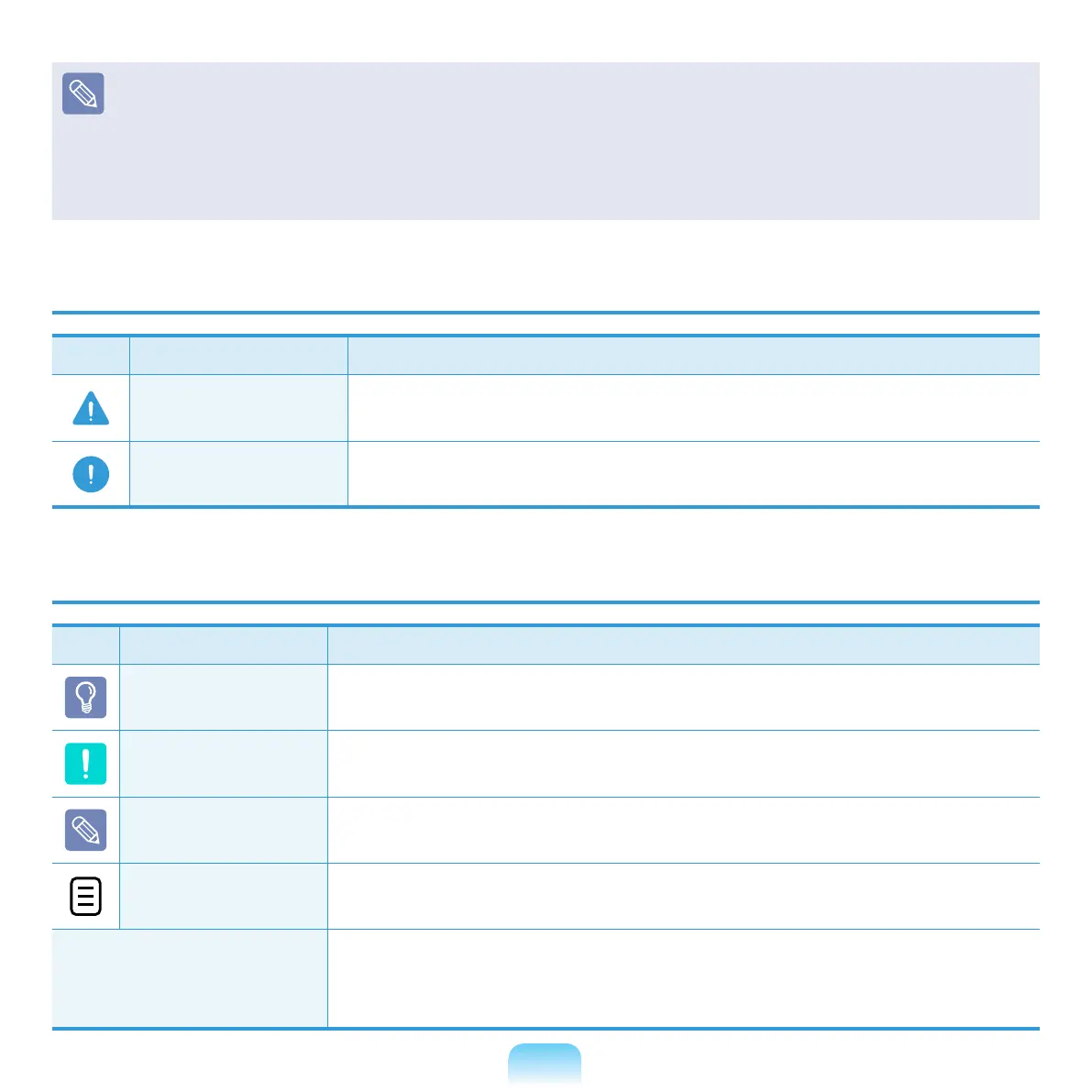
Safety Precaution Notations
Icon Notation Description
Warning
Failing to follow instructions marked with this symbol, may
cause personal injury and or fatality.
Caution
Failing to follow instructions marked with this symbol, may
cause slight injury to yourself or damage your property.
Text Notations
Icon Notation Description
Before You Start
Content included in this section includes information required
before using a function.
Caution
Content included in this section includes information required
about the function.
Note
Content included in this section includes helpful information to
use the function.
XX
This notation represents the page number you can refer to for
information about related functions or as a reference.
Start > All Programs
> Samsung > User
Guide > User Guide
This represents a menu path to run a program.
Click the Start button and then select All Programs > Samsung
> User Guide > User Guide in this order from the menu.



 To Next Page