53
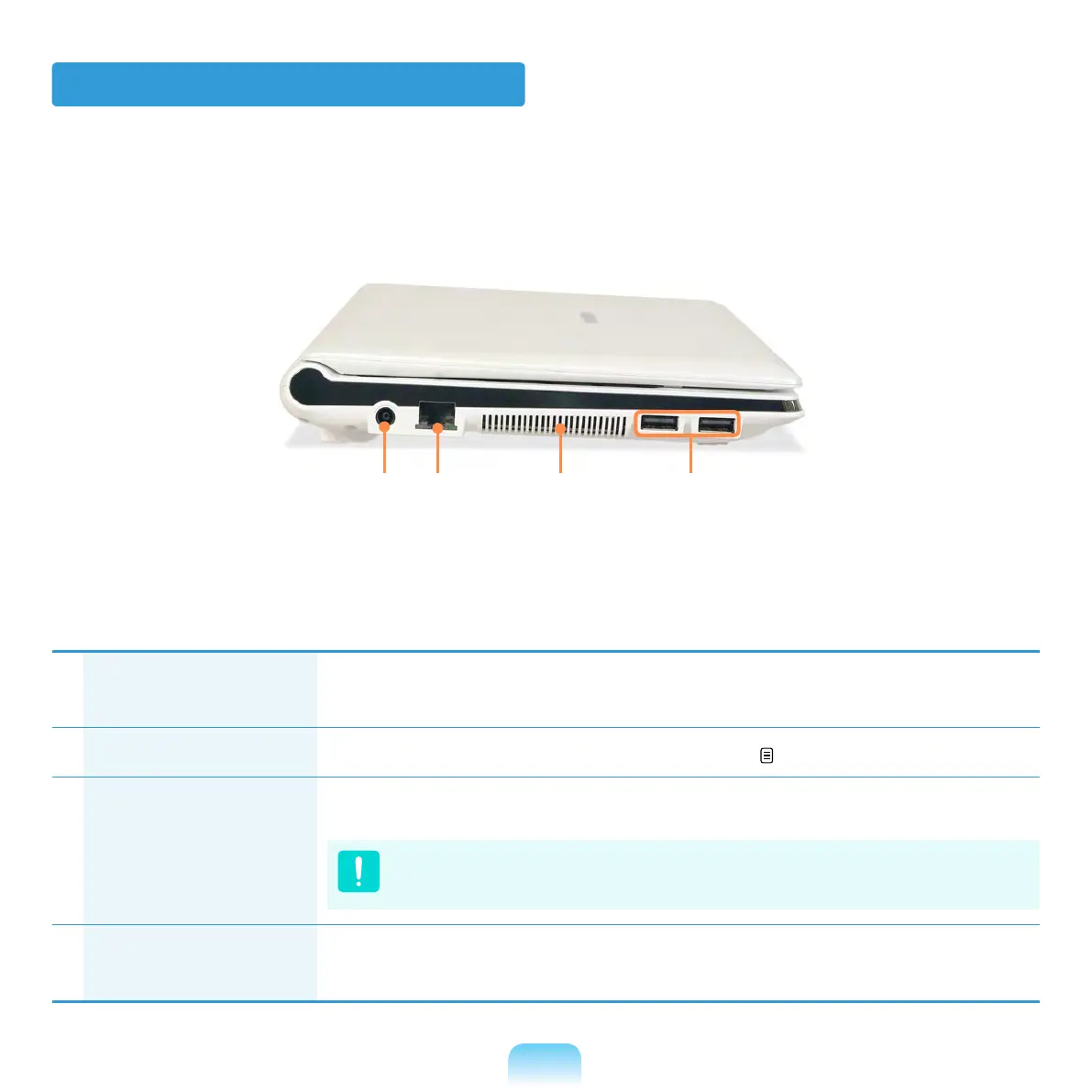
Left View
1
DC Jack A jack to connect the AC adapter that supplies power to the
computer.
2
Wired LAN Port Connect the Ethernet cable to this port. 90
3
Fan Vents The internal heat of the computer is emitted through these holes.
If the vents are blocked the computer may overheat.
Avoid blocking the vents as this may be dangerous.
4
USB Port You can connect USB devices to the USB port such as a
keyboard/mouse, digital camera, etc.
21
3
4


 To Next Page
 Loading...








