57
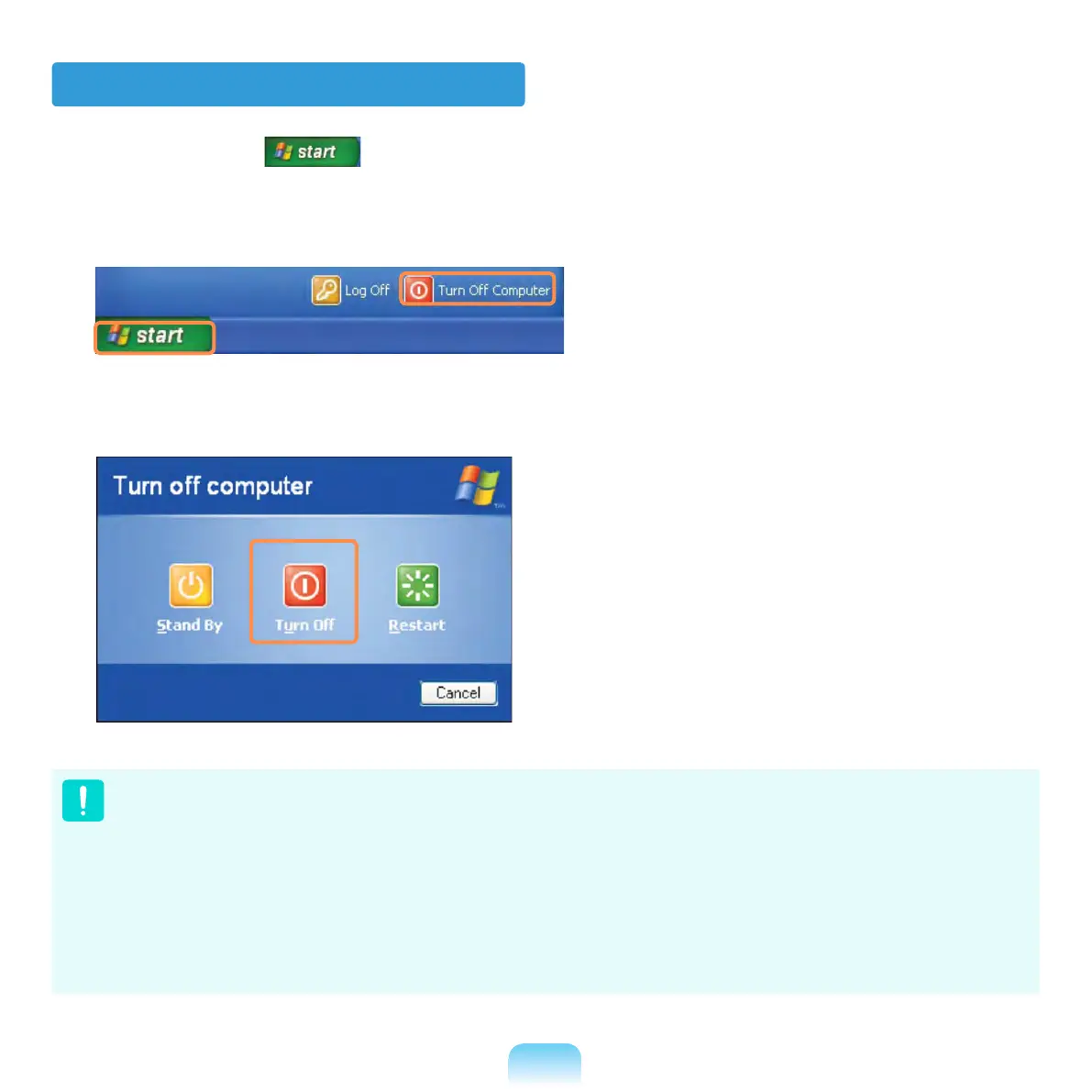
Turning the computer off
1
Click the Start button on the taskbar.
2
Click Turn Off Computer.
3
Click Turn Off.
If the computer has not turned off properly due to a system error, press
<Ctrl>+<Alt>+<Delete>. When [Windows Task Manager] dialog box appears, click
Shut Down > Turn Off to turn off the computer. Your unsaved work may be lost/
damaged.
If <Ctrl>+<Alt>+<Delete> keys do not operate either, press the power button for
more than 4 seconds to turn off the computer. Your unsaved work may be lost/
damaged. The next time you turn on your computer, a hard disk check will be
performed, before Windows starts.



 To Next Page