79
Help and Support
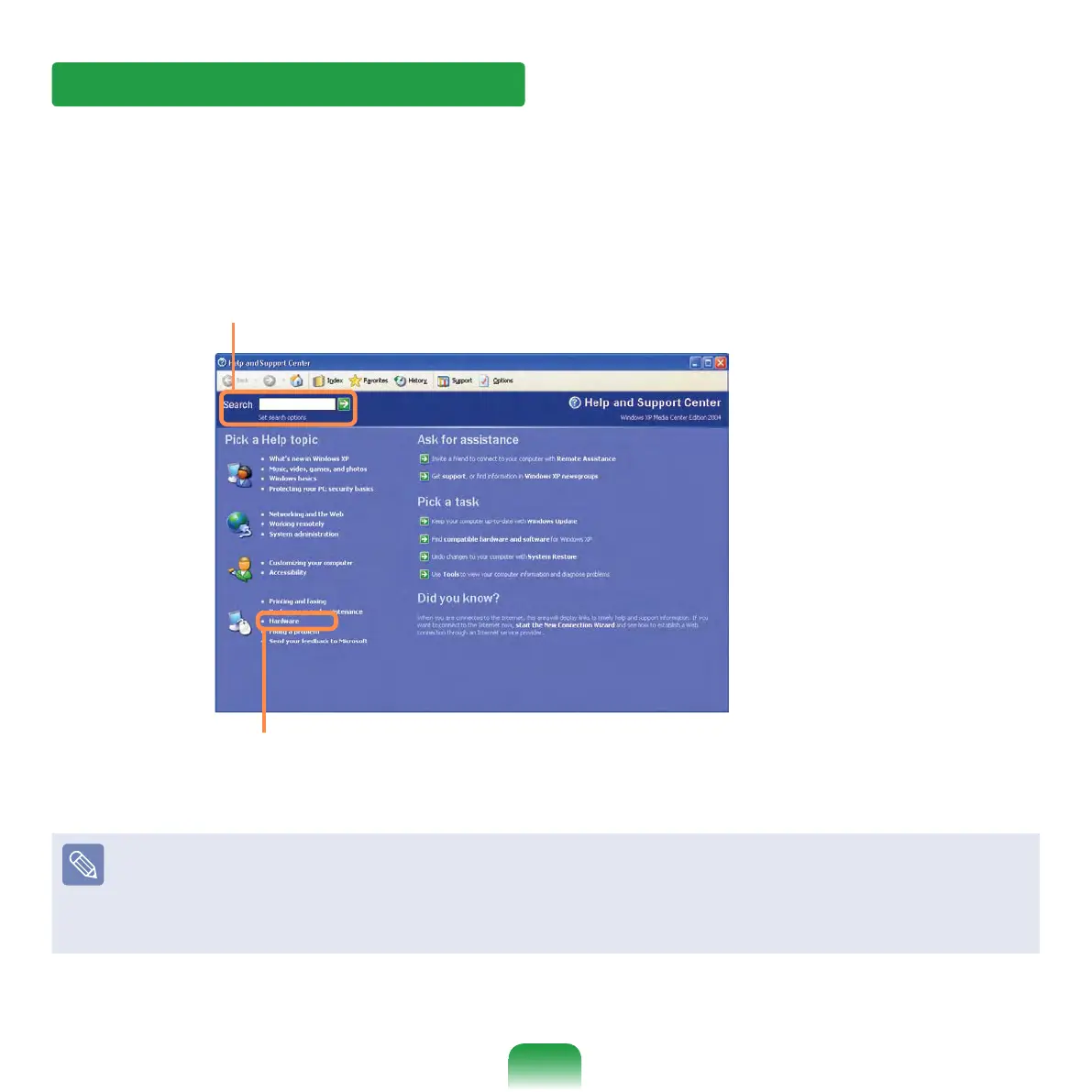
Help and Support allows you to view the features and usage of Windows. Also, it allows
you to search the information you want by entering a search keyword.
Click Start > Help and Support.
Search: Enter a search keyword to view the Help.
Fixing a problem: If a problem occurs, you can get help.
How to Change Desktop (Background Picture)
What's new in Windows XP > Windows XP articles : Walkthrough ways to use
your PC. After clicking Walkthrough : Personalize your PC, you can view the way to
change the background picture on Customize Desktop.



 To Next Page