85
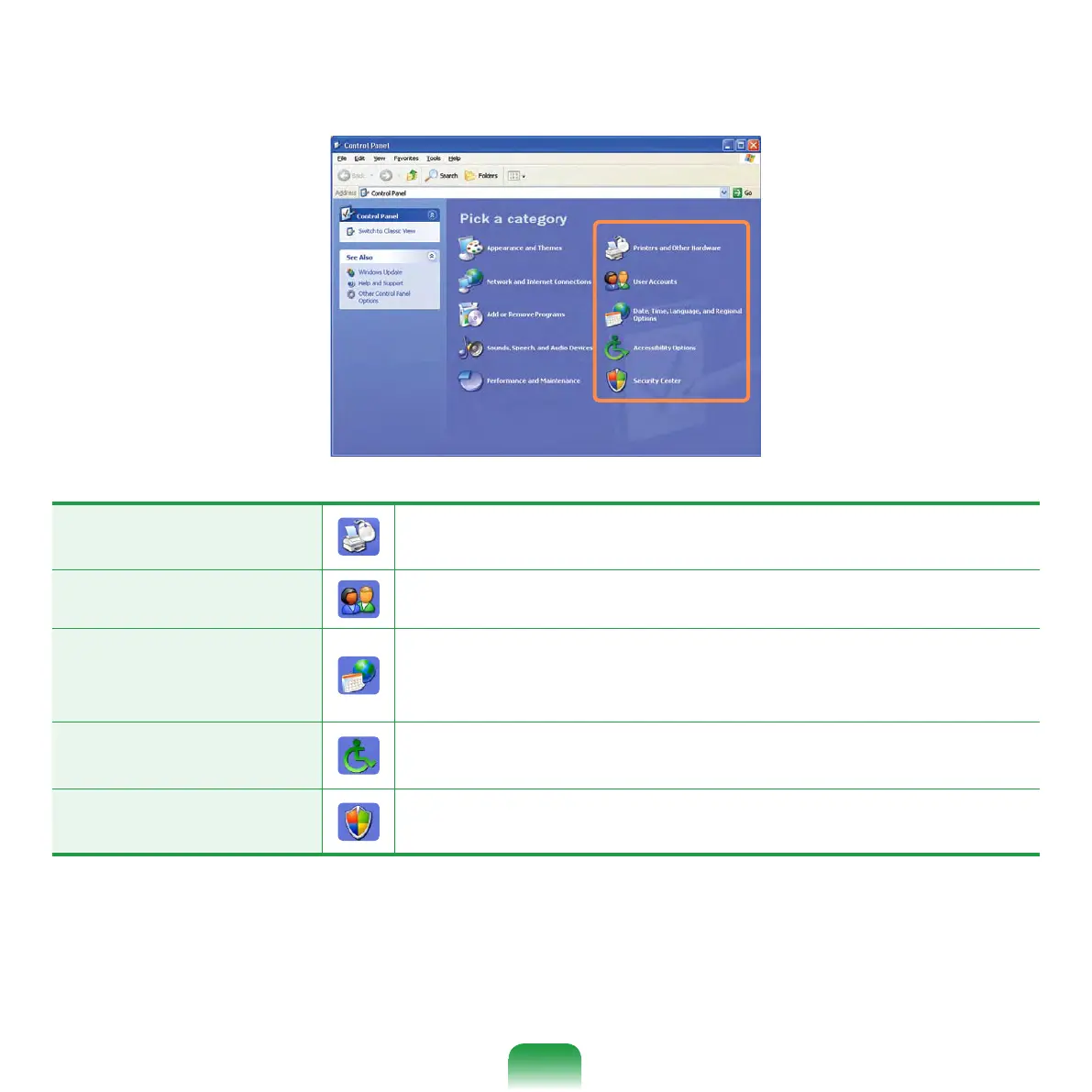
Click Start > Control Panel.
Printers and Other
Hardware
Change the settings for your printer, keyboard, mouse,
camera, and other hardware.
User Accounts Change user account settings, passwords, and pictures.
Date, Time,
Language, and
Regional Options
Change the date, time, and time zone for your computer,
the language to use, and the way numbers, currencies,
dates, and times are displayed.
Accessibility Options
Adjust your computer settings for vision, hearing, and
mobility.
Security Center
View your current security status and access important
settings to help protect your PC.



 To Next Page