Connecting to Wireless LAN
If an AP exists near your location, you can easily connect to wireless LAN in the
method provided by Windows XP.
The following description is based on Windows XP Service Pack 3; thus, the pictures
may vary.
1
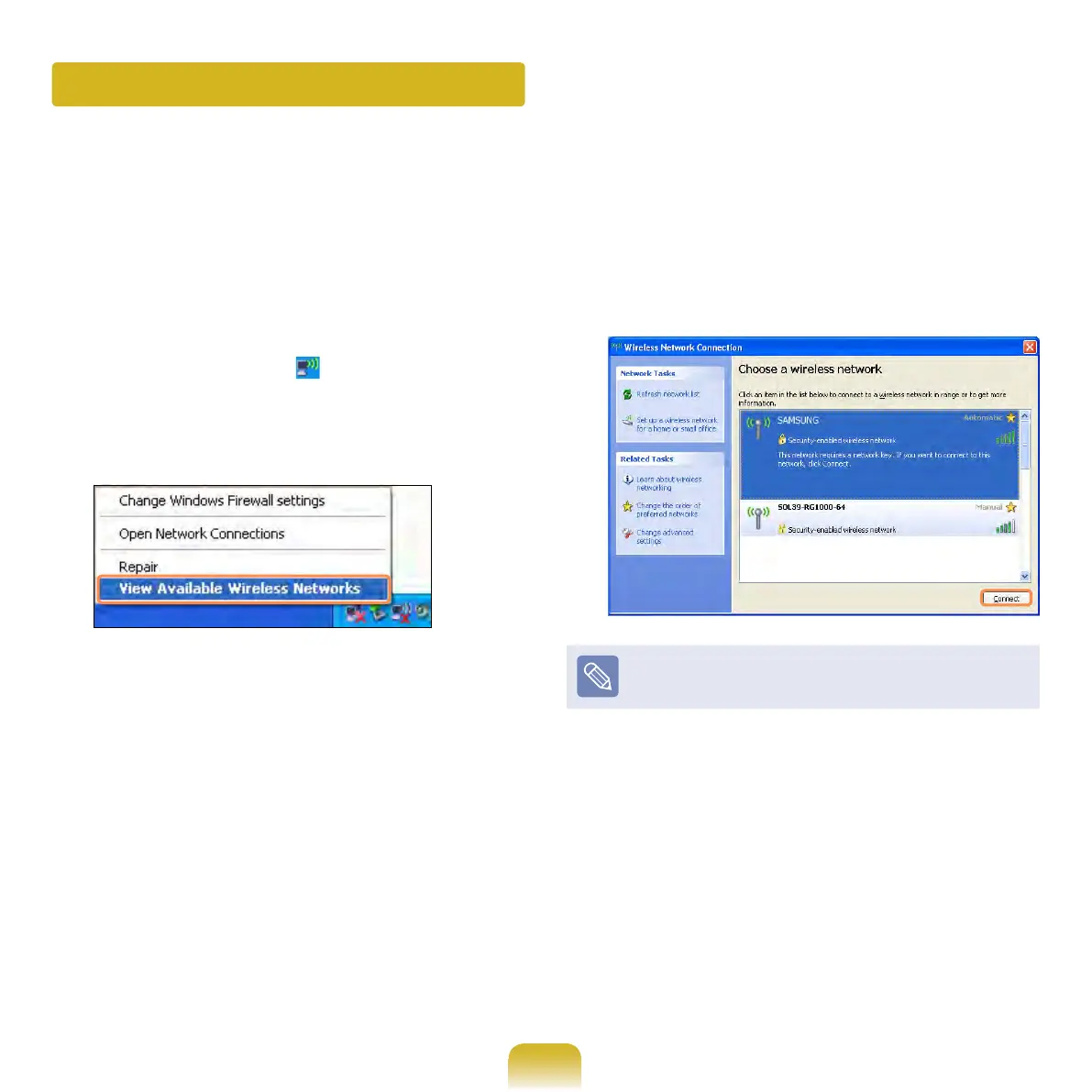
Click the Wireless Network
Connection icon from the Taskbar
using the right button of the touch
pad. Then, click View Available
Wireless Networks.
2
Select an AP to be connected and
click Connect.
If a network key is set in the AP, the
network key input window will appear.
Enter the network key in the input
window and click OK.
For a network key, contact the
network administrator.
3
Once Connected to AP is displayed,
you can use a wireless network.



 To Next Page