LG_MULTI_F_3828A20097W_1[1]
4-1-1-2. TEST MODE Description
4-1-1-2-1. FORCED OPERATION Function
1-1) Each time any button is pressed
during the Test Mode, it will ente
r the Forced Operation. When it
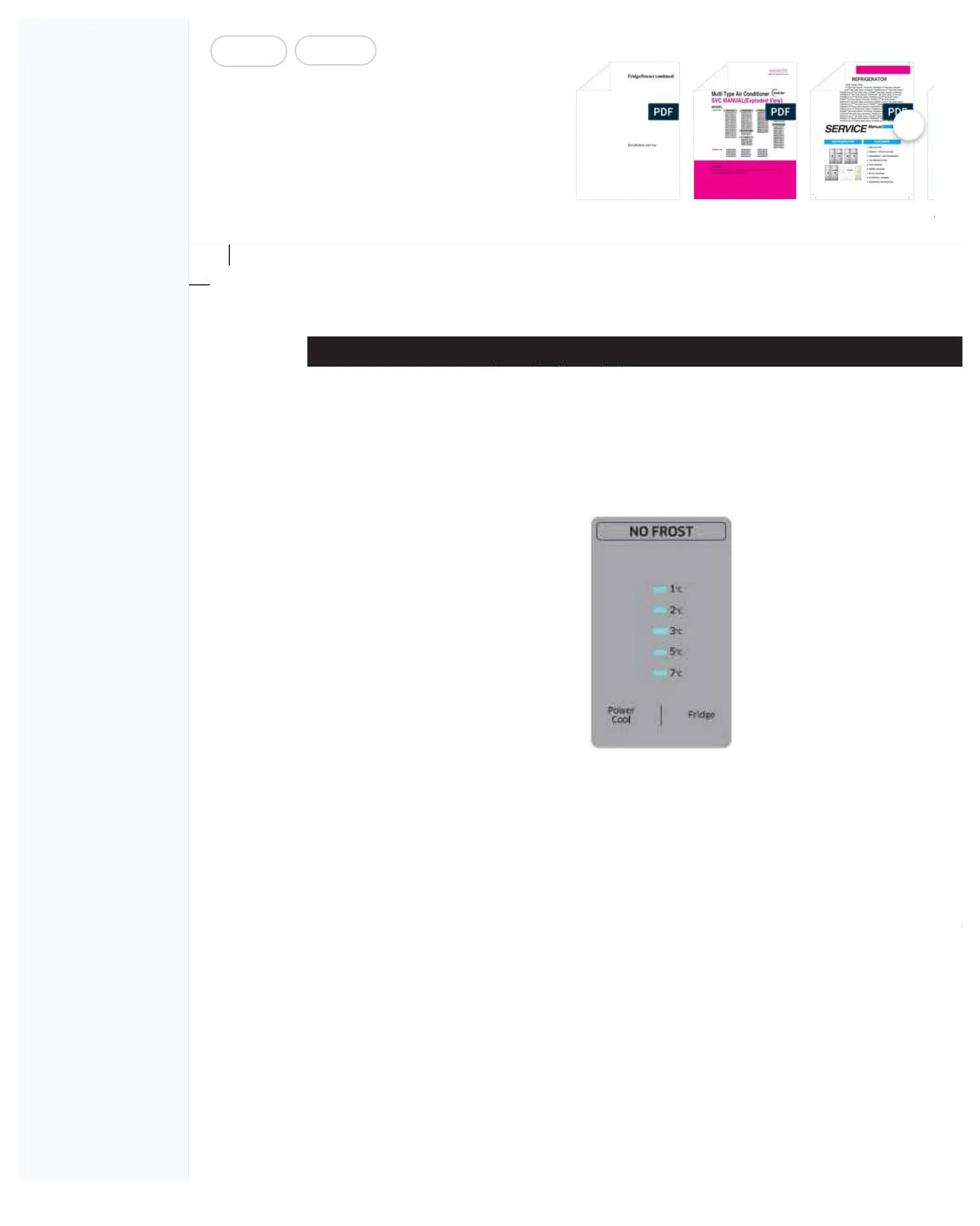
the Forced Operation, the temperature L
ED Lamps indicating 1℃, 2℃, 3℃, 5℃ and
the Forced Operation. At this time,
it starts alarming with “Beep” sounds.
Operation is selected, the compressor starts without a
7-minute delay in any operation
mode. At this time, when it is in a Defrost mode, it stops defrosting and the Forced Operation begins.
(If the Forced Operation begins
as soon as the compressor stops,
it may cause the overload. So, take
care when entering into the Forced Operation.)
1-3) When the Forced Operation is selected, the compressor and the F-Fan operate for 24 hours without
Operation, the Fridge temperatures will be automatically set to 1℃.
1-5) When the Forced Operation is selected, the Power Cool function won't work. (All the buttons will operate
normally.) And, when the Power Cool function is selected, the Power Cool LED will go off in 10 seconds.
1-6) When the Forced Defrost or Test Cancellation Mode is selected within a minute with the Forced
Operationbeing selected, the set temperature will be changed to the previously set operating
1-7) The alarm sound during the Forced Operation keeps on until the Forced Operation completes and there
is no cancellation function.
[Note] Models with the Rotary Switch operate the
same as the above with th
e Forced Operation Mode on.



 To Next Page