Alignment and adjustment
Samsung Electronics 5-27
5-3-3 VCR Section
0. EMPHA
EPR:XX EVR:XX
Note 3 : 1. Video block - See page 5-30 for the location of tests points and adjustments.
Audio block - See page 5-31 for the location of tests points and adjustments.
2. Press the ÒBLCÓ button of set for mode change.
Note 4 : The OSD information.
ÒXXÓ means arbitary values. It can be different number depend on the condition.
Test point
Step Adjustment Item
1. Mode and input signal/
alignment tape
2. Test point and ADJ. part
3. Result and Remarks
ADJ. point
Note 1 : From now on, the structure of every adjustment is as follows.
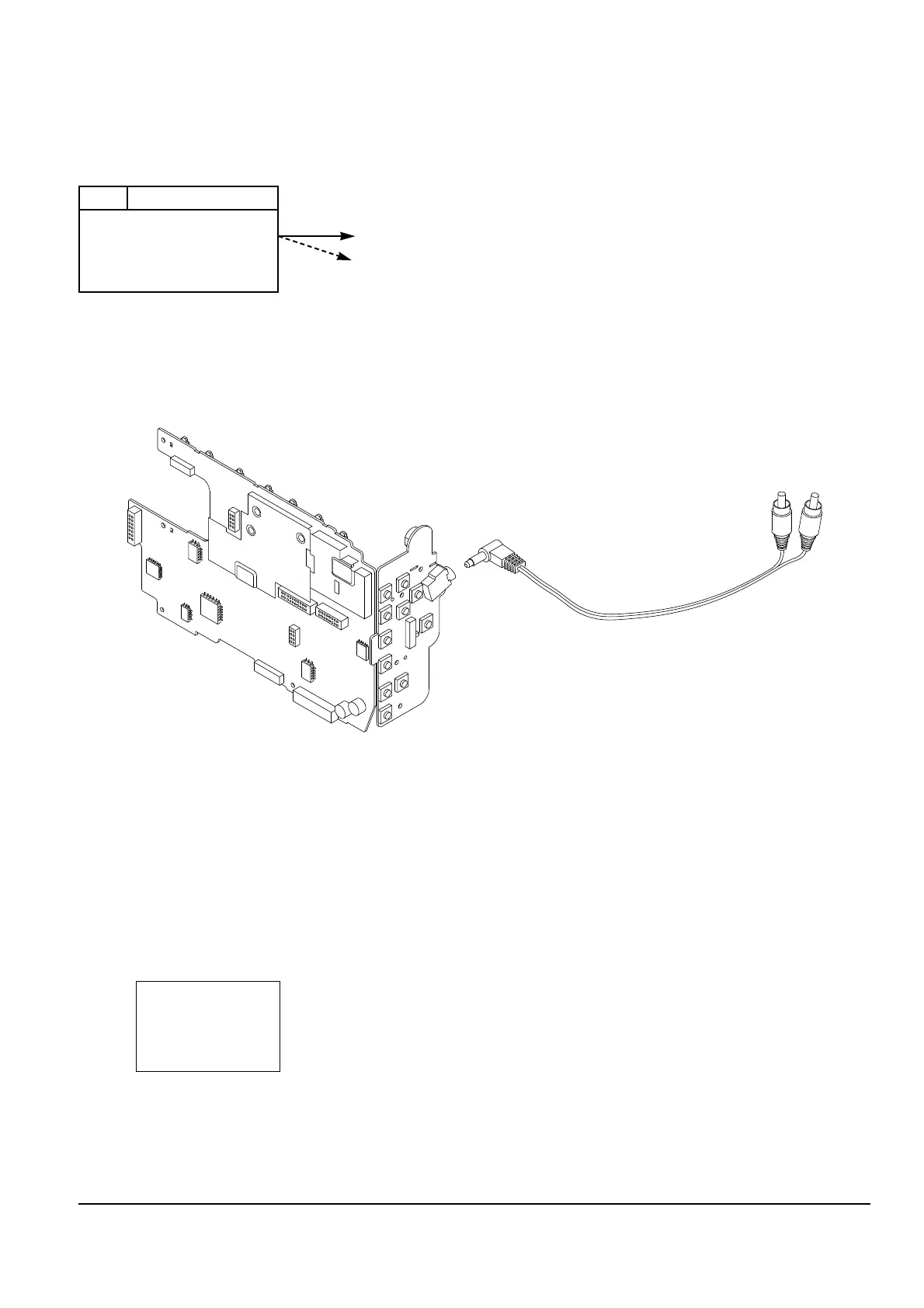
Note 2 : How to connect video in/out signal
- Connect the video cable to pattern generator and assÕy A/V Jack, so that video in/out signal is adjusted
automatically.
Fig. 2 Video Signal Connection



 To Next Page