Alignment and adjustment
5-28 Samsung Electronics
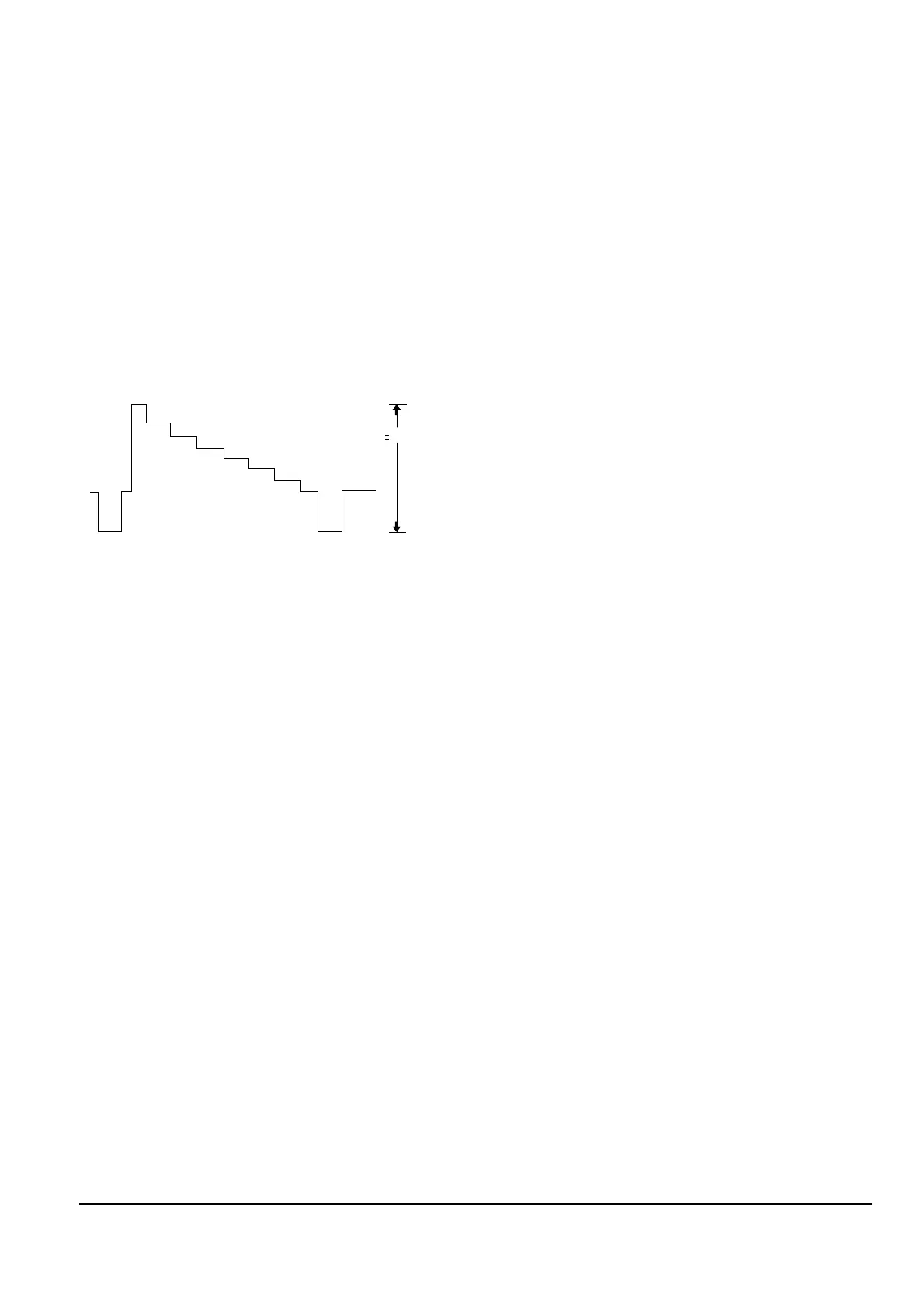
0. Y-EMPHASIS (Video block)
1) Rec, 100% color bar signal.
2) TP201 and EVR.
3) Confirm the Ò0. Y-EMPHASISÓ mode by pressing
the ÒBLCÓ (MODE CHANGE) button of unit.
4) Connect an oscilloscope to TP201.
5) Press the Ò- (DATA DOWN)/ + (DATA UP)Ó
button so that the TP201 is 0.5 ± 0.02Vp-p
from SYNC tip to peak level.
6) Be sure to press the ÒDISPLAY (CONFIRM)Ó
button on unit to memorize setting.
1.
ÒY-SEPÓ Adjustment is fixed to EVR data B4.
2. Y-FM Carrier Frequency (Video block)
1) Rec, no signal input
2) TP203 and EVR
3) Confirm the Ò5. CARRÓ mode by pressing the
ÒBLCÓ (MODE CHANGE) button of unit.
4) Connect frequency counter probe to TP203.
5) Press the Ò- (DATA DOWN)/ + (DATA UP)Ó
button so that the TP203 is 4.38 ± 0.02MHz.
6) Be sure to press the ÒDISPLAY (CONFIRM)Ó
button on unit to memorize setting.



 To Next Page