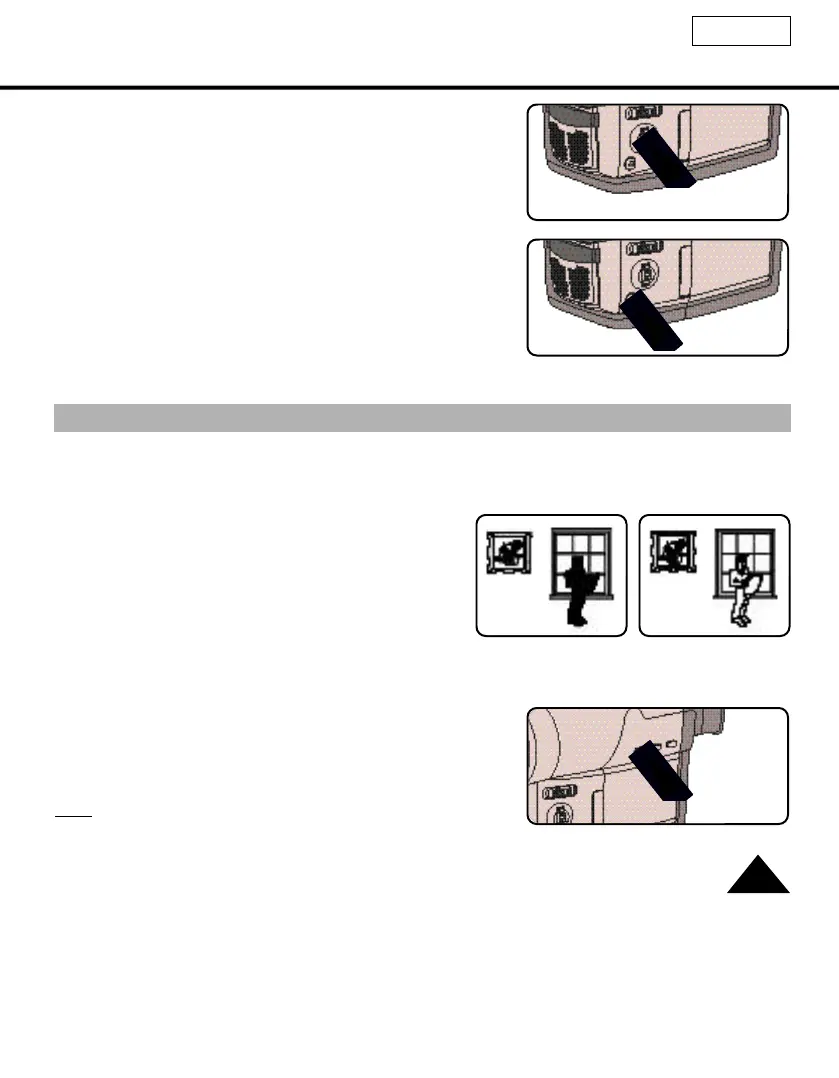
I-BLC/BLC
ENGLISH
39
I-BLC or BLC works in the CAMERA mode.
Back lighting exists when the subject is darker than the background:
- The subject is placed in front of a window.
- The person to be recorded is wearing white or shiny
clothes and is placed against a bright background;
the person’s face is too dark to distinguish their fea-
tures.
- The subject is outdoors and the background is over-
cast.
- The light sources are too bright.
- The subject is against a snowy background.
1.
Set the power switch to CAMERAmode and LOCK/STANDBY switch to STANDBY mode. (see page 22)
2. Press I-BLC/BLC button.
■ Normal - I-BLC - BLC - Normal
■ Normal - BLC - Normal (SCL520)
■ I-BLC enhances the subject and background.
■ BLC enhances only the subject.
Note: If you use PROGRAM AE instead of AUTO mode,
the I-BLC/BLC does not work.
* I-BLC or BLC on
* I-BLC or BLC off
4. Turn the MF dial up or down until the object is focused.
5. You will obtain a sharp picture after zooming out.
6. To return to AF(Auto Focus), press the MF button again.



 To Next Page