ENGLISH
41
Setting the PROGRAM AE
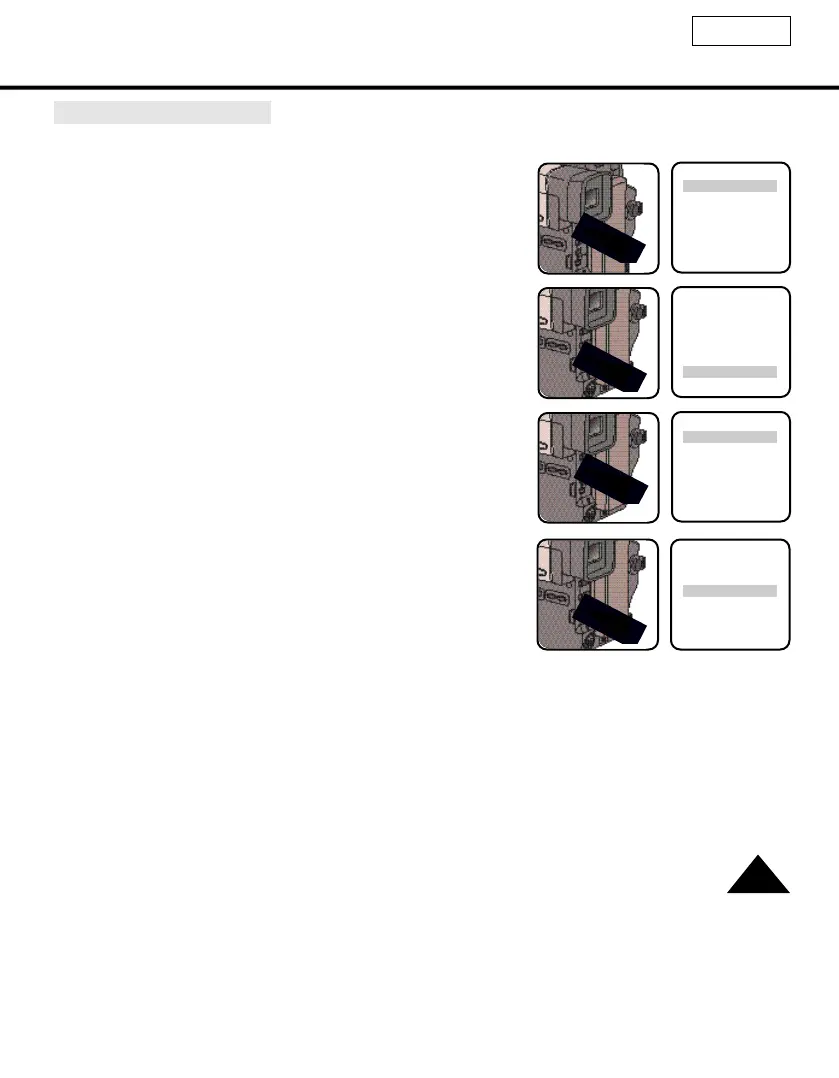
1. Set the power switch to CAMERAmode and LOCK/STANDBY switch to STANDBY
mode.(see page 22)
2. Press the MENU ON/OFF button, then the MENU List will appear.
(SCL540 : CVF....OFF)
3. Turn the MENU dial to PROGRAM AE.
4. Press ENTER.
■ The PROGRAM AE setting is on.
5. Turn MENU dial to the mode that is suitable for the recording.
6. Press ENTER.
■ When the PROGRAM AE is set, the PROGRAM AE mark will
displayed on the OSD (see page 40).
■ To change the selection content, turn MENU dial to appropri-
ate mode and press ENTER again.
7. Press the MENU ON/OFF button to end the setting.
■ The MENU OSD will turn off.
8. You can switch the selected mode on or off in PROGRAM AE with the PROGRAM AE ON/OFF button.
LCD ADJUST
EVF......................OFF
DIS........................OFF
D.ZOOM ..............OFF
DEMO..................OFF
PROGRAM AE
LCD ADJUST
EVF......................OFF
DIS........................OFF
D.ZOOM ..............OFF
DEMO..................OFF
PROGRAM AE
AUTO
SPORTS
PORTRAIT
SPOTLIGHT
SAND/SNOW
HSS
AUTO
SPORTS
PORTRAIT
SPOTLIGHT
SAND/SNOW
HSS



 To Next Page