52_ menu setup
menu setup
1. Select Change P/W.
2. When a new password dialog appears, provide a new password.
You can enter a max of 12-digit password.
3. Press the <Change> button.
4. If you are prompted to confirm the change, click <YES>.
EXIT
Exit
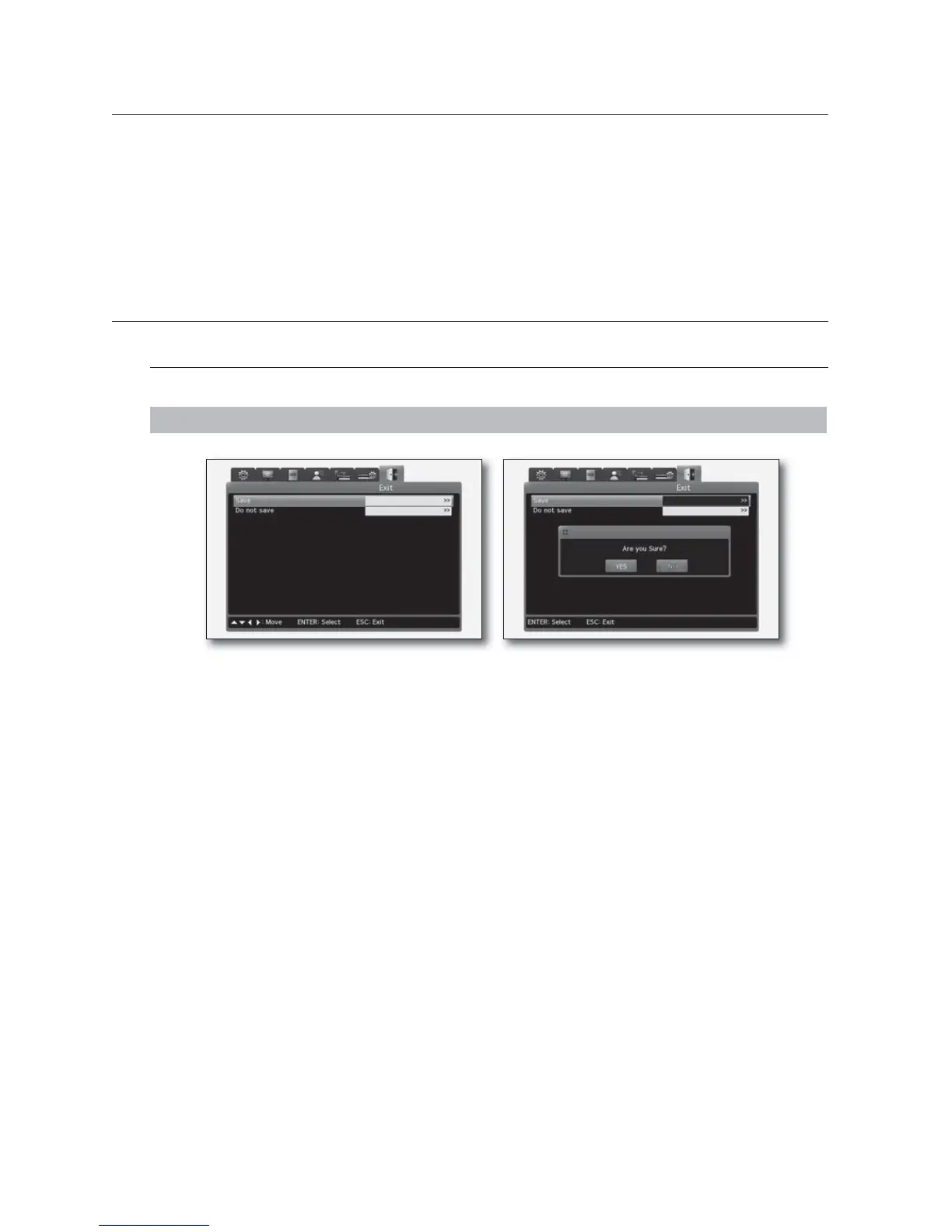
You can return to the Live screen with saving or without saving the settings in other menus.
MENU - ► - ► - ► - ► - ► - ► - ENTER
• Save : Select this if you want to save the settings in other menus.
If prompted to confirm your selection, click <YES>.
• Do not save : Select this if you don't want to save the settings in other menus.



 To Next Page