● SMARTVIEWER
DEVICE SETUP
Camera
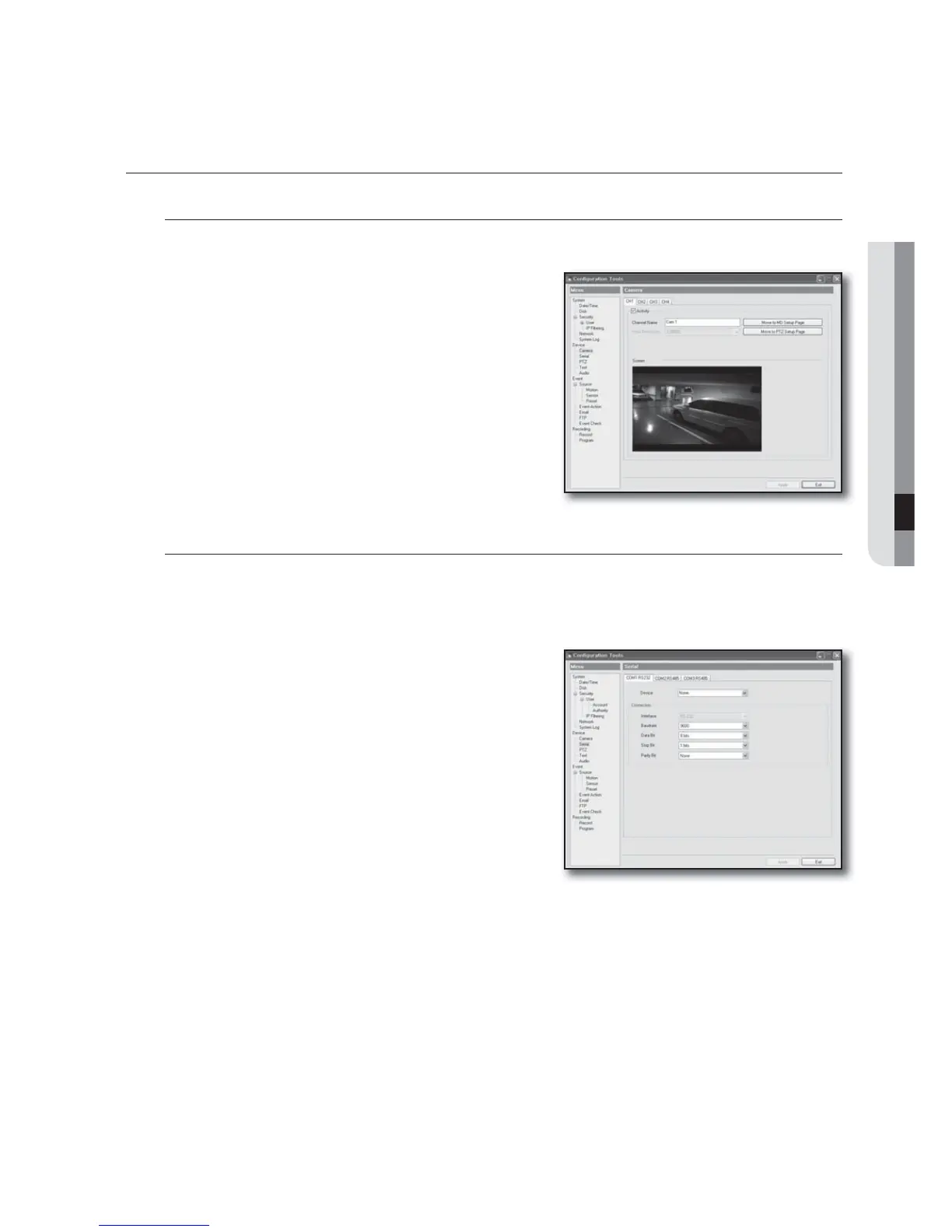
Video Channel Setting
You can specify the basic information, brightness, and contrast
for each channel.
The tap number (CH1, CH2, CH3, CH4) indicates the channel
number of each video.
Channel Information
• Activity : Specify the use of the channel.
- Channel Name : Provide the channel name.
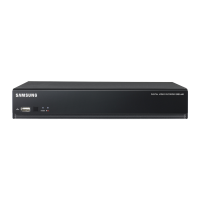
Serial Port
In the COM Port page, configure the communication settings for each COM port and select devices to use.
The tabs exist as many as the COM ports where the tab number corresponds to the COM port number.
Selecting a device to connect to the serial port
Device types that can be connected to the serial port include:
PTZ, Keyboard and Text.
• PTZ : Select this if you want to connect a PTZ device. Select
this option to display the setup details on the bottom. Select
an appropriate PTZ device. If you jump to the PTZ setup
page, click "Go".
• Keyboard : Select this if you want to connect the keyboard. If
you select this, the keyboard setting menu will be displayed
on the bottom. Select an appropriate keyboard.
• Text : Select this if you want to connect the text device. If you
jump to the text setup page, click <Go>.
English _79



 To Next Page