English _83
WEB VIEWER
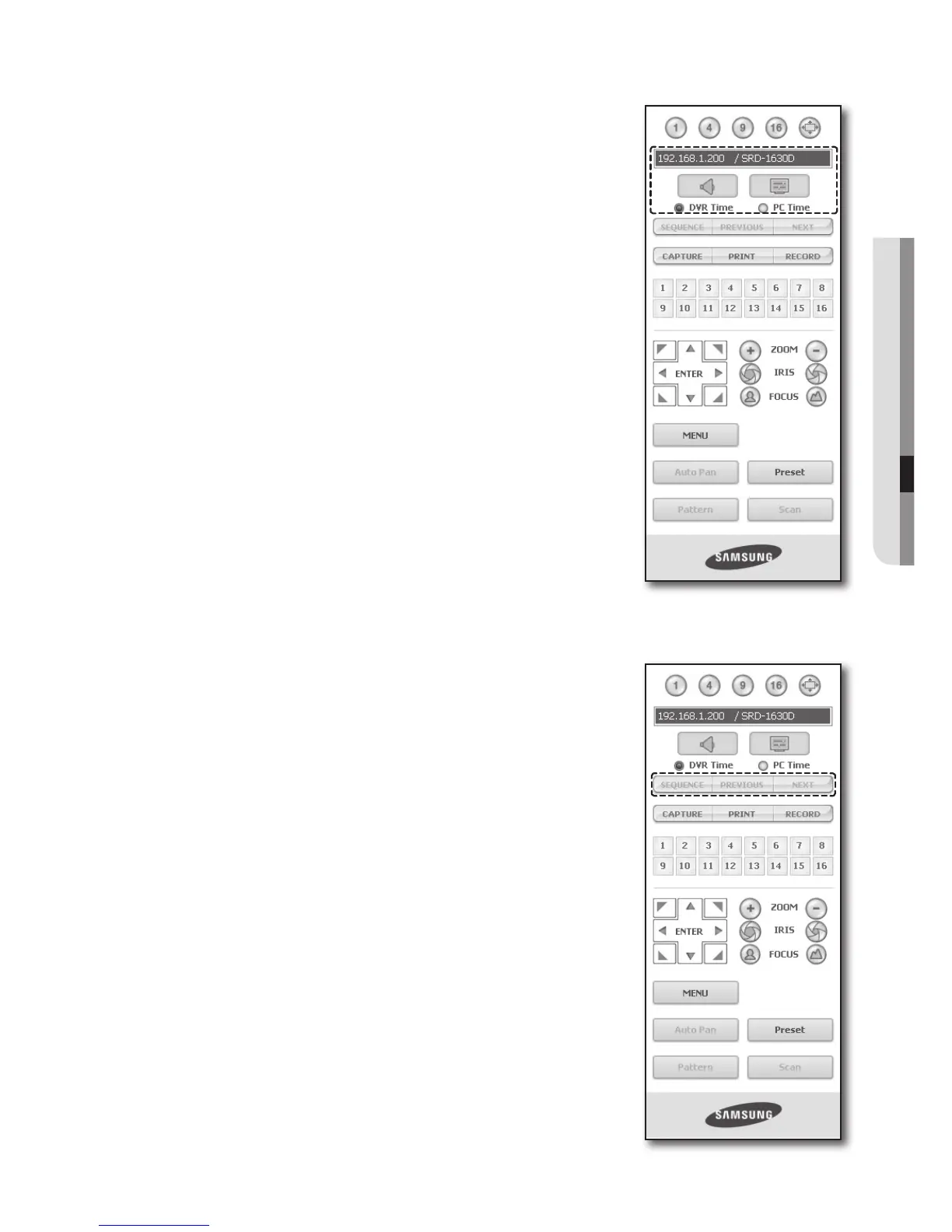
Connected DVR
This displays the IP address and the status of the connecting DVR.
M
Connection failure message
No Response : Appears when the DVR does not respond.
Access Denied : Appears when the maximum number of users is exceeded.
The number of simultaneous connections are limited to 10.
Setting the Display of the OSD Time Information
Select <DVR Time> or <PC Time> for the OSD time information display
setting.
• DVR Time : Based on the time of the connected DVR
• PC Time : Based on the time of the PC currently running the Web Viewer.
• Audio : Sound On/Off
• OSD : Turn on/off the OSD icon
Changing the Live Screen Mode
16-split mode does not support “SEQUENCE”, “PREVIOUS” and “NEXT”.
• SEQUENCE : When this button is clicked, screens are switched at a
preset interval.
In SINGLE MODE, the channel numbers are sequentially switched from
1 to 16.
In QUAD MODE, the screens are changed like 1st 4 channels (1~4)
2nd 4 channels (5~8) 3rd 4 channels (9~12) 4th 4 channels
(13~16).
In NINE MODE, the screens are changed from 9 channels (1~9) to 7
channels (10~16).
Preset interval (10 seconds)
• PREVIOUS : When this button is clicked, the previous screen appears.
In SINGLE MODE, the channel numbers are switched in reverse order.
In QUAD MODE, the screens are changed like 1st 4 channels (1~4)
2nd 4 channels (13~16) 3rd 4 channels (9~12) 4th 4 channels (5~8).
In NINE MODE, the screens are changed from 9 channels (1~9) to
7 channels (10~16).



 To Next Page