52_ main menu
main menu
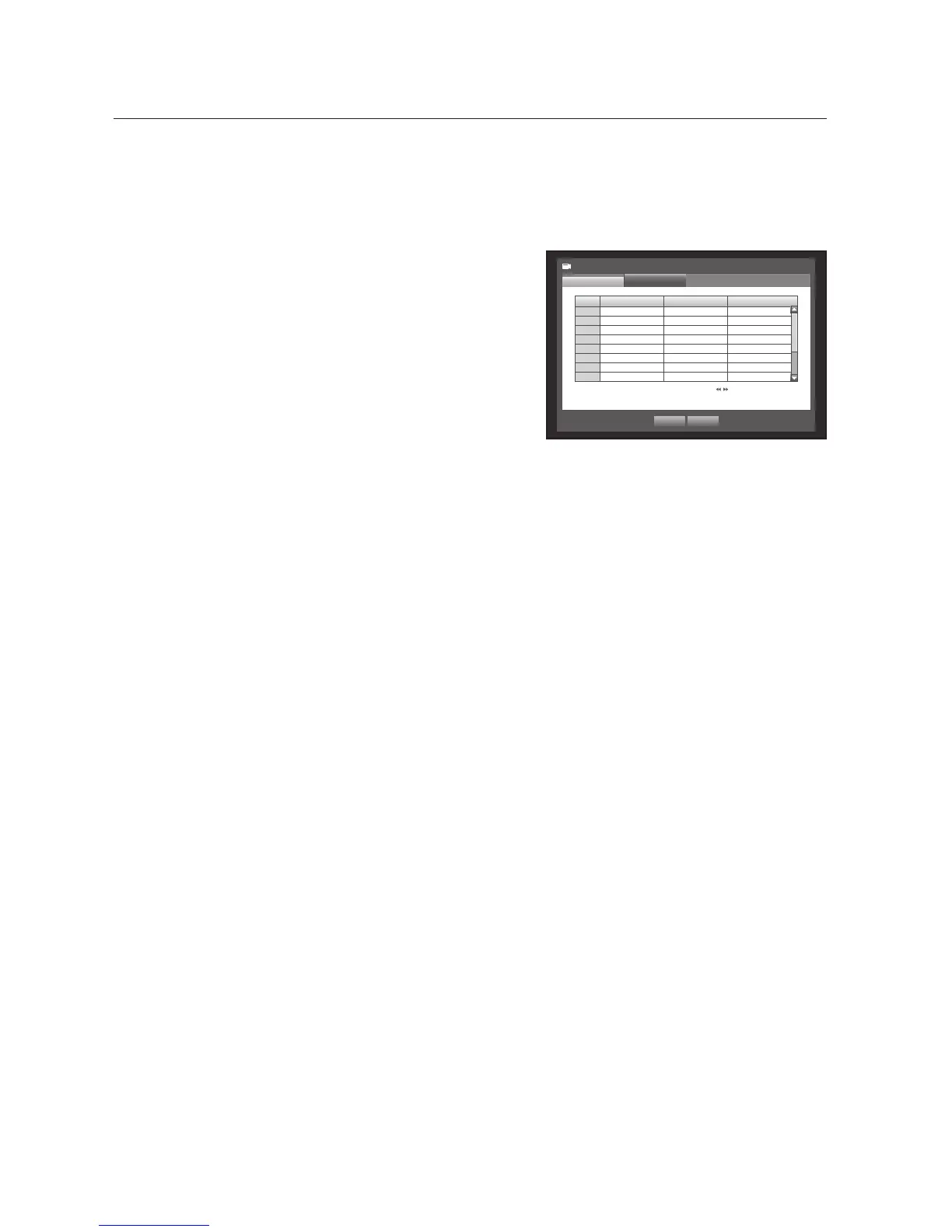
Setting the PTZ
To use Camera’s PTZ functions, ID and protocols of each camera and DVR should be matched.
For other settings, refer to the <Remote Devices> settings. (Page 56)
Using the mouse may help make setup easier.
1. Use the up/down buttons () in <Device> window to
move to <Camera>, and press [ENTER] button.
2. Select <PTZ>.
A window of PTZ settings appears.
3. Use direction buttons (◄ ►) to move to a desired item,
and select it.
• Port : Select a port control method for the camera that is
connected to a channel.
You have two choices : <RS-485> and <Coaxial>.
• ID : Set the ID of the connected camera of each channel.
You can easily setup by using the numeric buttons on the remote control or front panel.
• Protocol : Set the protocol of the connected camera of each channel.
M
You can check the camera’s ID and protocol if you turn the camera off and on after connecting it to the DVR. (Page 79)
For the <Coaxial> type, CCVC and PELCO-C protocols are supported.
4. When the PTZ setup is done, press <OK>.
CH Port
ID Protocol
1 RS-485
0
>
None
2 RS-485
1
>
None
3 RS-485
2
>
None
4 RS-485
3
>
None
5 RS-485
4
>
None
6 RS-485
5
>
None
7 RS-485
6
>
None
8 RS-485
7
>
None
Camera
PTZ
Camera
Previous/Next Page
OK Cancel



 To Next Page