Extended functions
35
Using the Program mode
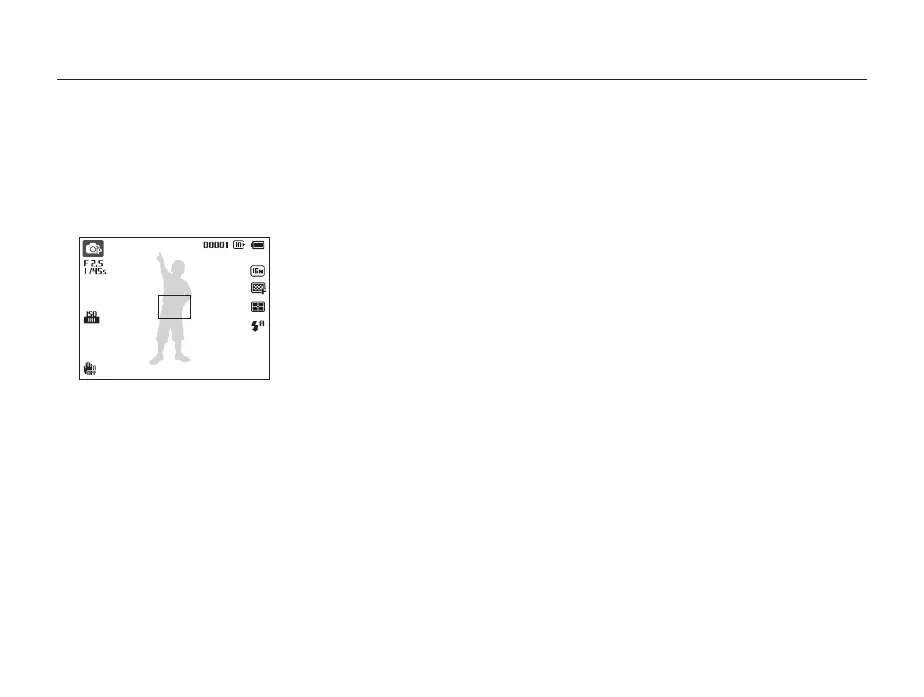
In Program mode, you can set most options, except the shutter speed and aperture value, which the camera sets automatically.
1
In Shooting mode, press [
M
].
2
Select
p
.
3
Set the desired options.
•
For a list of options, refer to "Shooting options". (p. 48)
4
Align your subject in the frame, and then half-press
[Shutter] to focus.
5
Press [Shutter] to capture the photo.



 To Next Page