Playback/Editing
79
Viewing photos or videos in Playback mode
To Description
Move the enlarged area
Press [
D
/
c
/
F
/
t
].
Trim the enlarged photo
Press [
o
], and then select Yes.
(The trimmed photo will be saved as a
new file. The original photo is retained in its
original form.)
When you view photos that were captured by another camera, the zoom
ratio may differ.
Viewing photos
Enlarge part of a photo or view photos as a slide show.
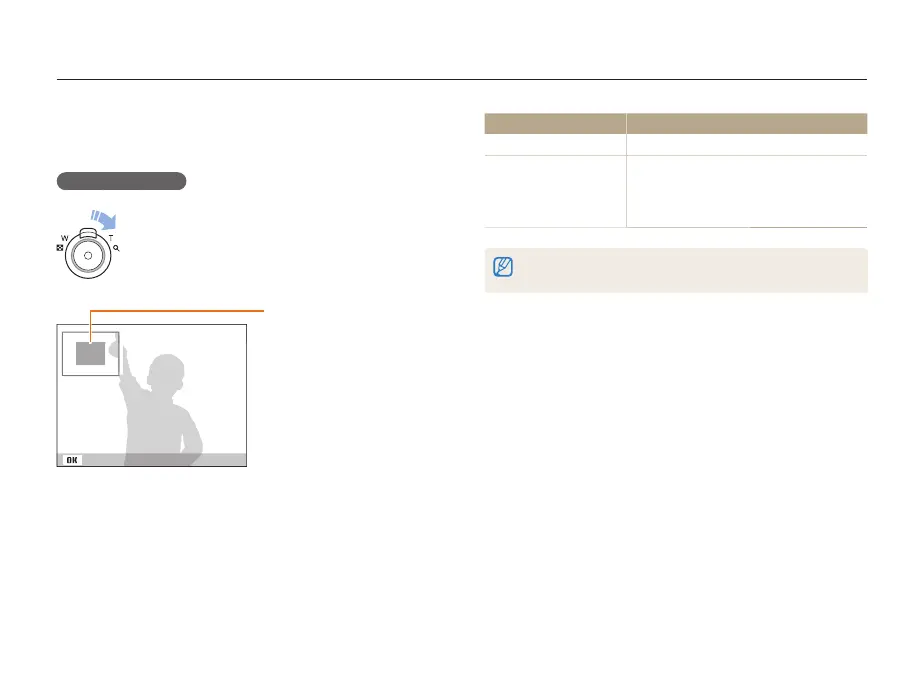
Enlarging a photo
In Playback mode, rotate [Zoom] to the right to enlarge
a portion of the photo. Rotate [Zoom] to the left to
zoom out.
Enlarged area
Trim



 To Next Page