Playback/Editing
81
Viewing photos or videos in Playback mode
* Default
Option Description
Music
Set background audio.
Effect
•
Set a scene change effect between photos.
(Off*, Calm, Shine, Relax, Lively, Sweet)
•
Select Off to cancel effects.
•
When you use the Effect option, the interval
between photos will be set to 1 second.
4
Select Start Play.
•
Select Repeat to loop the slide show.
5
View the slide show.
•
Press [
o
] to pause the slide show.
•
Press [
o
] again to resume the slide show.
•
Press [
o
], and then press [
F
/
t
] to stop the slide show and return
to Playback mode.
•
Rotate [Zoom] to the left or right to adjust the volume level.
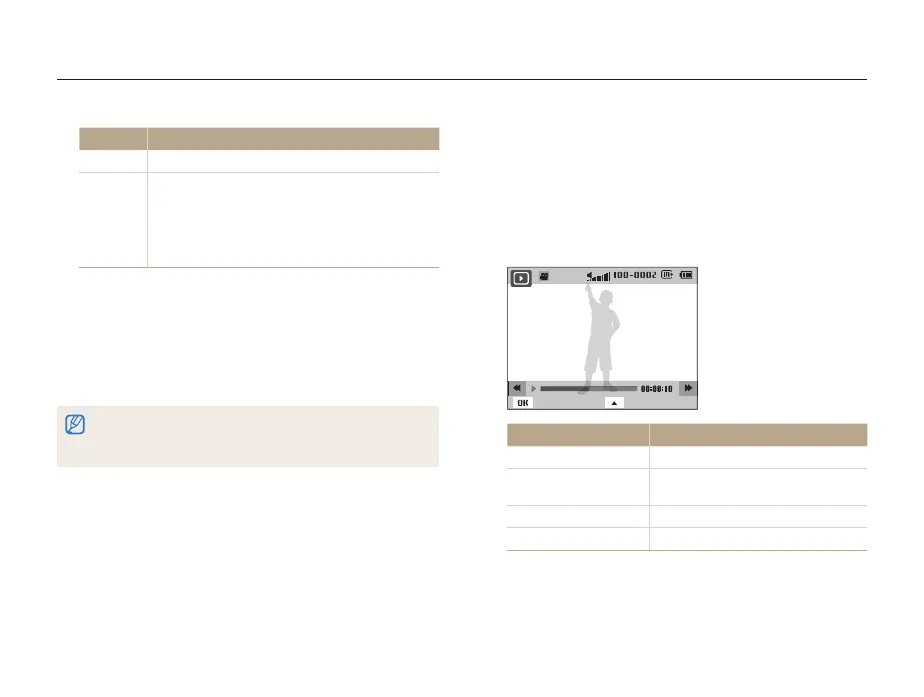
Playing a video
In Playback mode, you can view a video, and then capture parts
of the playing video. You can save the captured segments as
new files.
1
In Playback mode, select a video, and then press [
o
].
2
View the video.
Pause Stop
To Description
Scan backward
Press [
F
].
Pause or resume
playback
Press [
o
].
Scan forward
Press [
t
].
Adjust the volume level
Rotate [Zoom] to the left or right.



 To Next Page