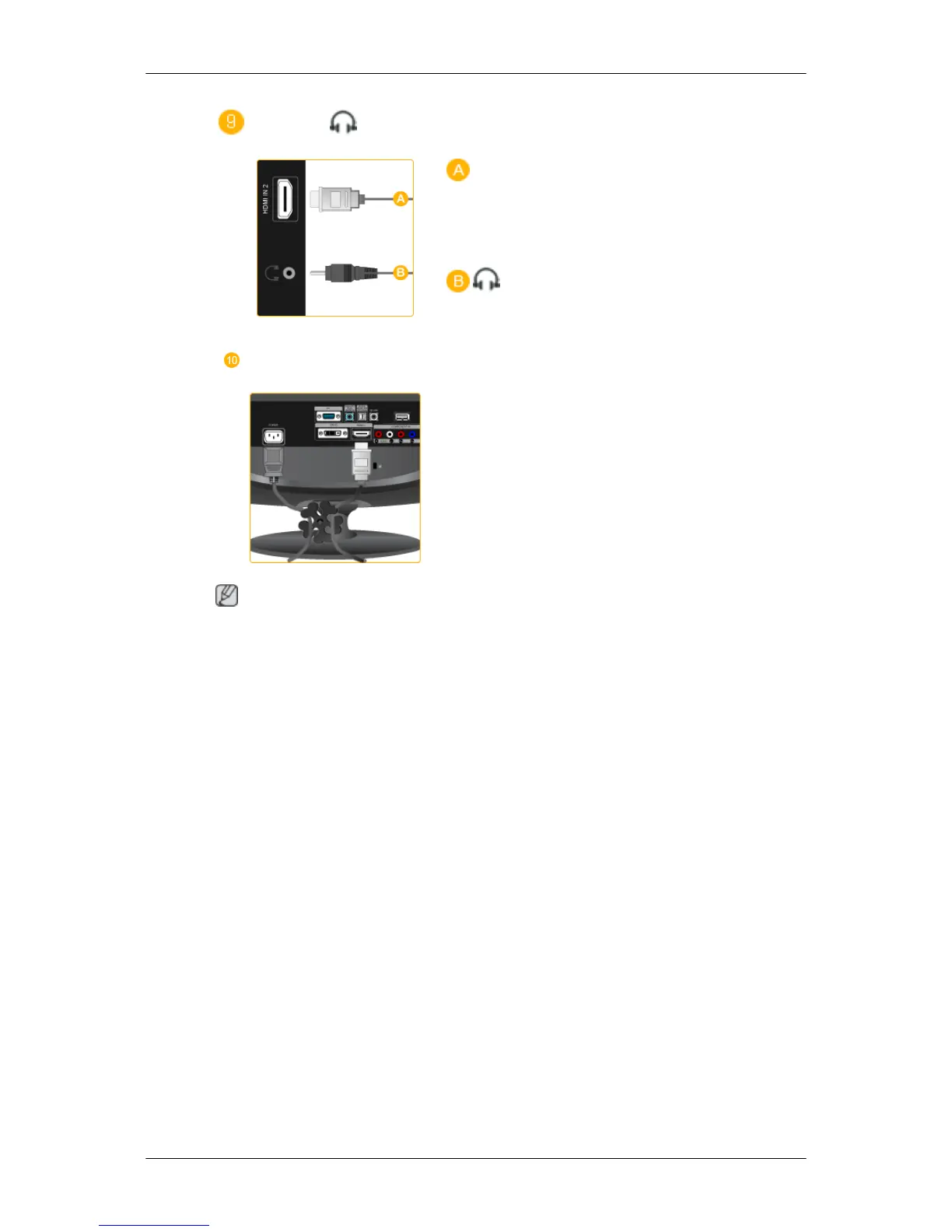
HDMI IN 2
/
HDMI IN 2
Connect the [HDMI IN 2] terminal at the back
of your product to the HDMI terminal of your
digital output device using a HDMI cable.
Connect your headphones to the Head-
phone connection terminal.
Cable holding ring
Fix the cables using the holding ring, as
shown in the figure.
Note
See Connecting Cables for further information regarding cable connections.
Remote Control
Introduction






 To Next Page