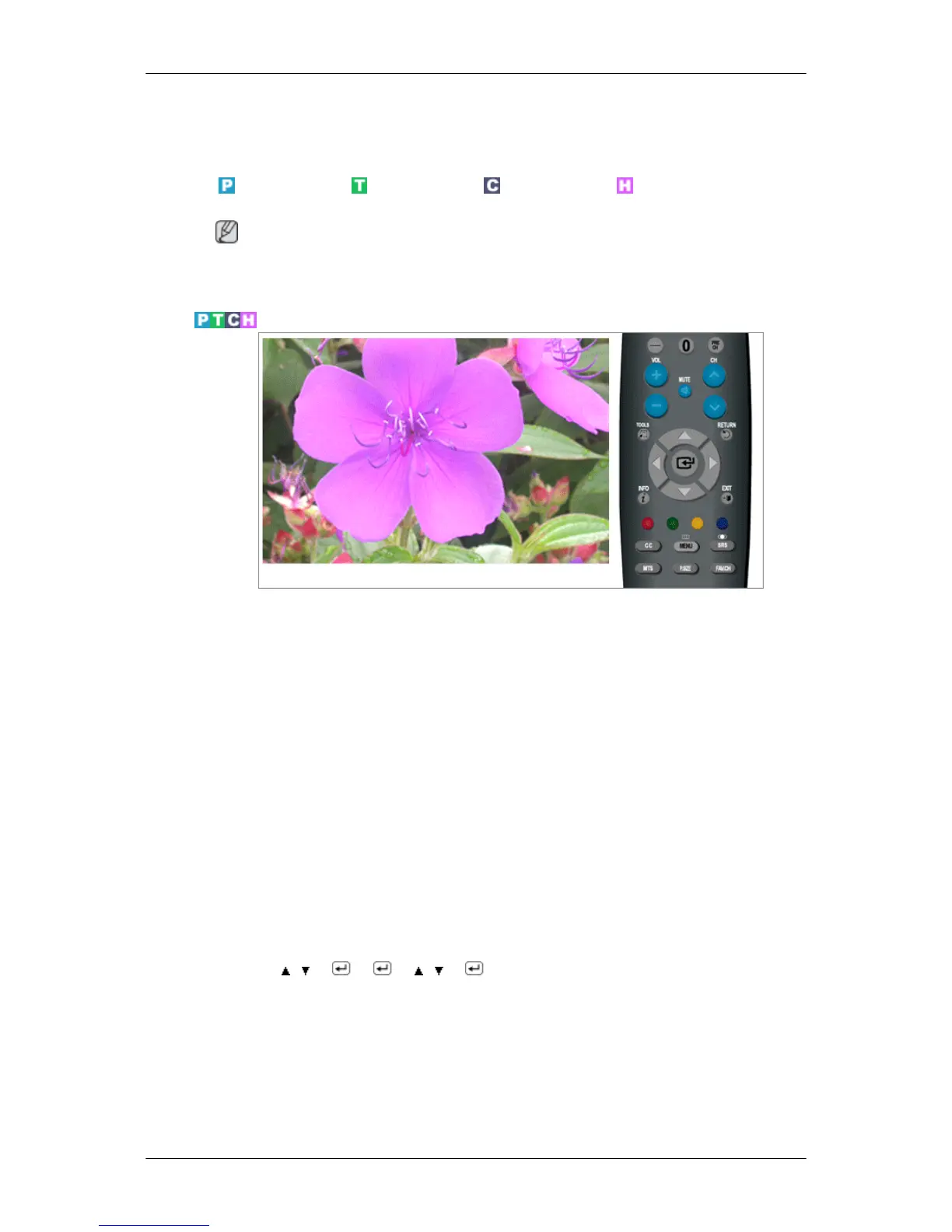
Sound
Available Modes
PC / DVI TV Component HDMI
Note
The default setting may be different depending on the selected Input Mode (input signal
source selected in External Input List) and the selected resolution.
Mode
The Monitor has a built-in high fidelity stereo amplifier.
• Standard
Choose Standard for the standard factory settings.
• Music
Choose Music when watching music videos or concerts.
• Movie
Choose Movie when viewing movies.
• Speech
Choose Speech when watching a show that is mostly dialogue (i.e., news).
• Custom
Choose Custom if you want to adjust the settings according to personal preference.
MENU → , → → → , → → MENU,EXIT
Adjusting the LCD Display






 To Next Page