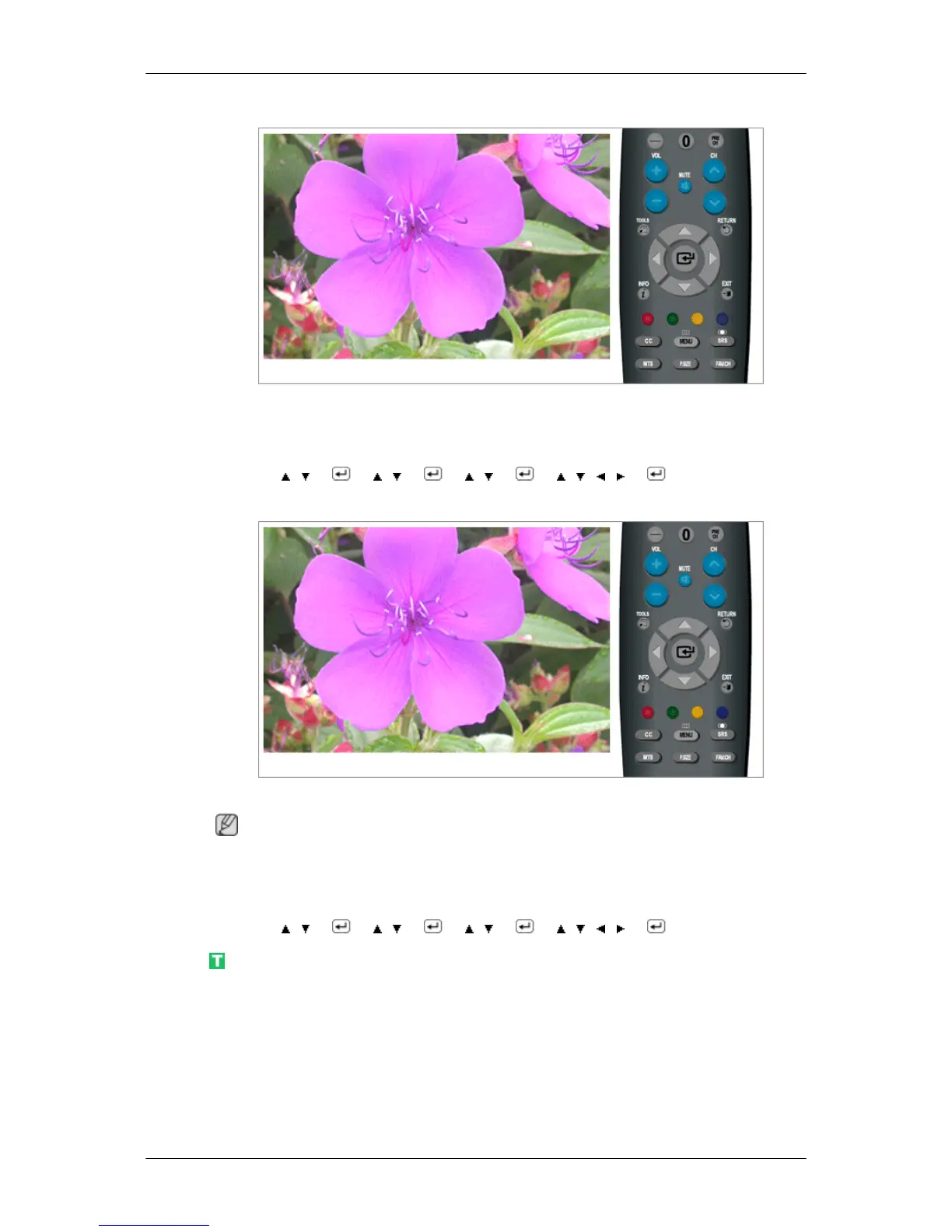
Sleep Timer
Use to set the Monitor to be turned off automatically in certain minutes.
• Off, 30, 60, 90, 120, 150, 180
MENU → , → → , → → , → → , , , → → MENU,EXIT
Timer1 / Timer2 / Timer3
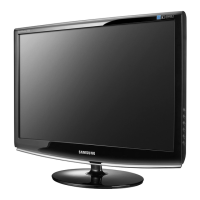
You can set the monitor to be turned on or off automatically at a specified time.
Note
Setting the clock is necessary in order to use the various timer features of the product.
Three different On/Off Timer Settings can be made.
MENU → , → → , → → , → → , , , → → MENU,EXIT
V-Chip
Protects children from viewing inappropriate programs by blocking certain broadcast or AV
programs. (More Information)
Adjusting the LCD Display








 To Next Page