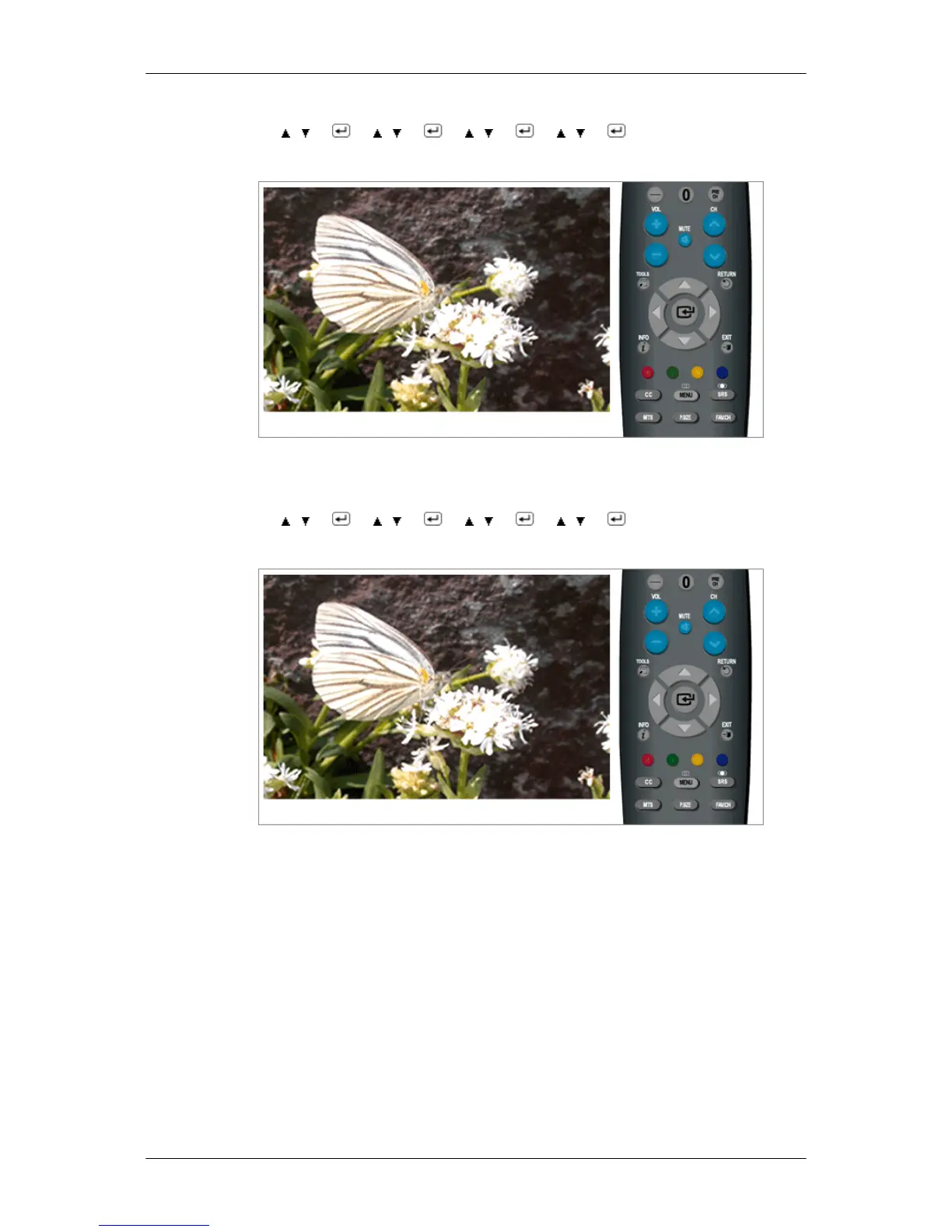
MENU → , → → , → → , → → , → → MENU,EXIT
Caption Mode - Digital
The Digital Captions function operates on digital channels.
MENU → , → → , → → , → → , → → MENU,EXIT
Digital Caption Options
Digital Caption Options
are available only when Default and Service1~Service6 can be se-
lected in Caption Mode.
Service1~Service6 in digital caption mode may not be available depending on the broacast.
• Size : This option consists of Default, Smart, Standard, Large. The default is Standard.
• Font Style : This option consists of Default, Style0, Style1, Style2, Style3, Style4, Style5,
Style6, Style7. You can change the font you want. The default is Style0.
• Foreground Color : This option consists of Default, White, Black, Red, Green, Blue, Yel-
low, Magenta, Cyan. You can change the color of the letter. The default is White.
• Background Color : This option consists of Default, White, Black, Red, Green, Blue, Yel-
low, Magenta, Cyan. You can change the color of the background color of the caption.
The default is Black.
Adjusting the LCD Display






 To Next Page